
The difference between MetaTrader 4 and 5 is not that one is an upgrade of the other. MT5 is a separate platform built for multi-asset trading, and it is deliberately incompatible with MT4 in the ways that matter most: the programming language changed, indicators do not transfer, and the order handling works differently. This guide covers what actually differs, and the honest answer to which one you should run.
Why MT5 is not MT4 version 5
MetaQuotes released MT5 in 2010 aiming at stocks, futures and exchange-traded instruments as well as currencies. That target changed the architecture rather than just the features.
The clearest consequence is that the two do not share code. MT4 runs MQL4, MT5 runs MQL5, and while the languages look similar they are not compatible. An indicator or Expert Advisor written for one will not compile on the other without a rewrite. That single fact explains why MT4 survived long past the point where everyone expected it to disappear.
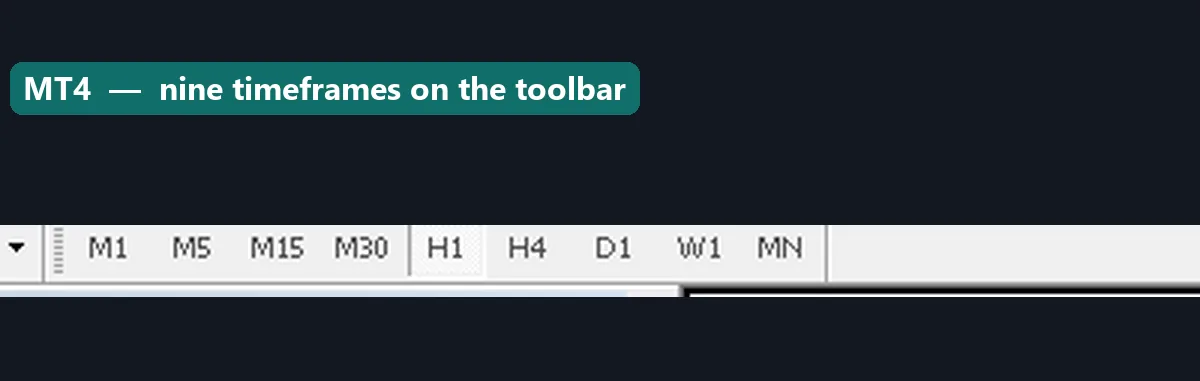
Timeframes are the first visible difference. MT4 offers nine, from M1 to Monthly. MT5 offers twenty-one, adding M2, M3, M4, M6, M10, M12, M20, H2, H3, H6, H8 and H12.
The difference between MetaTrader 4 and 5, feature by feature
| Feature | MetaTrader 4 | MetaTrader 5 |
|---|---|---|
| Language | MQL4 | MQL5 — not compatible |
| Timeframes | 9 | 21 |
| Pending order types | 4 | 6 (adds Buy Stop Limit, Sell Stop Limit) |
| Position handling | Hedging: many positions per symbol | Netting or hedging, depending on account |
| Strategy Tester | Single-threaded, one symbol | Multi-threaded, multi-symbol, real ticks |
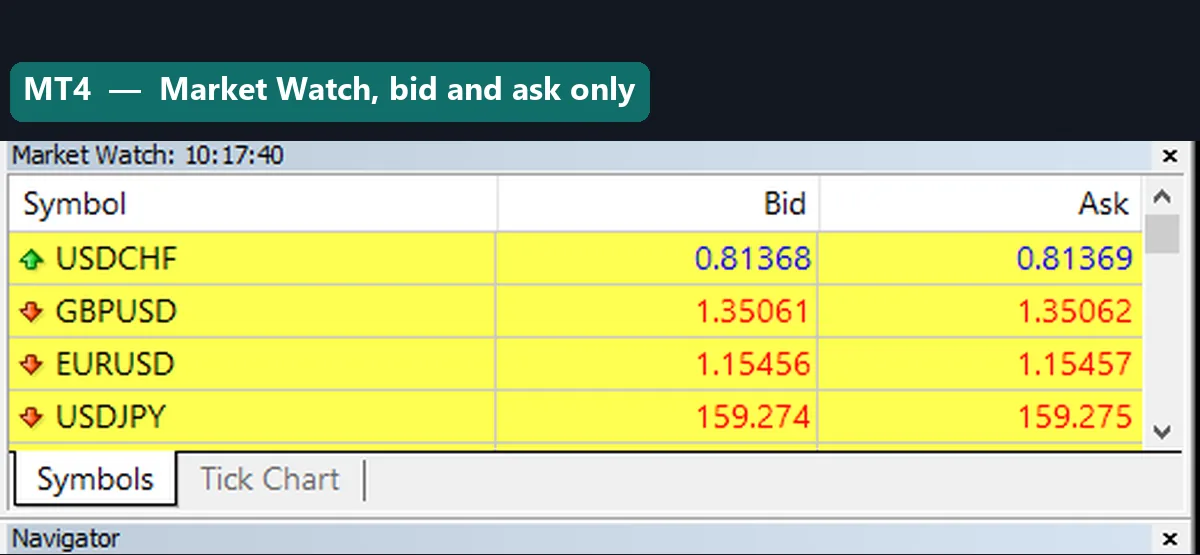
| Depth of Market | No | Yes, where the broker provides it |
| Economic calendar | No | Built in |
| Built-in indicators | 30 | 38 |
| Partial close | Yes | Netting accounts handle it differently |
| Asset coverage | Forex and CFDs | Adds exchange-traded instruments |
Netting versus hedging
This is the difference most likely to catch you out, because it changes what happens when you place a second trade.
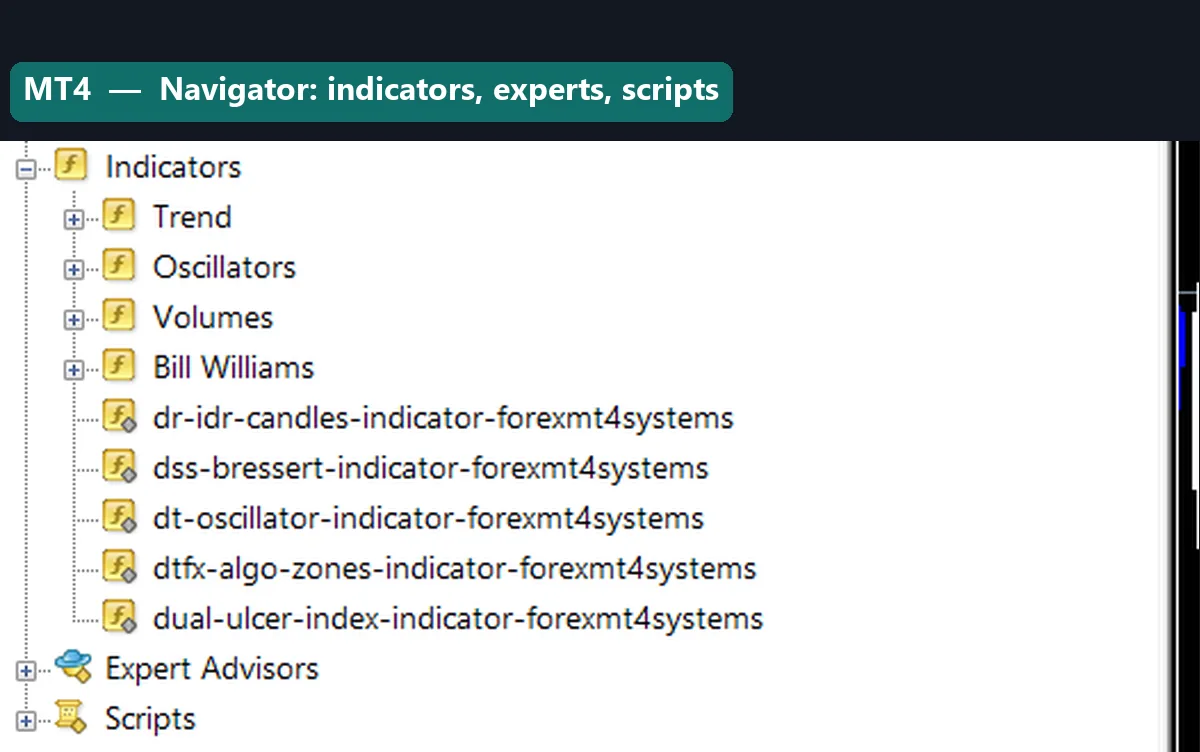
MT4 is always hedging. Buy one lot of EURUSD, then sell one lot, and you hold two separate positions that offset each other. Each has its own ticket, stop and target.
MT5 supports both models, and which one you get depends on the account your broker opened. On a netting account, that same sequence leaves you flat — the sell closes the buy, and you have one net position per symbol rather than several.
Neither is better in the abstract. Netting reflects how exchange-traded markets actually work. Hedging suits traders running several strategies on one symbol, and most forex traders already expect it. The trap is assuming MT5 behaves like MT4 and discovering mid-session that your positions merged.
The Strategy Tester gap
If you build or test automated systems, this is the most substantial argument for MT5.
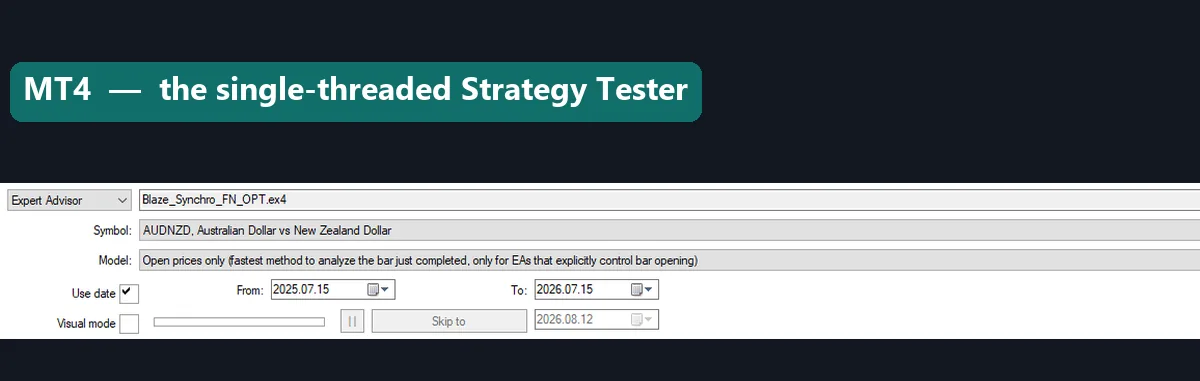
MT4’s tester runs one symbol at a time on a single processor core, and its modelling of ticks between bar opens is an approximation. Our MetaTrader 4 Strategy Tester guide covers the modelling-quality figure and what it actually means.
MT5’s tester is multi-threaded, uses every core, can test several symbols at once, and supports real tick data where the broker supplies it. For anyone optimising an EA, the difference is hours versus days, and the results are closer to reality.
For a discretionary trader who never opens the tester, this difference is worth nothing at all.
Download the complete indicator database
Put these concepts on your charts. One email unlocks the full library of 1,380+ indicators with compiled MT4 and MT5 files, plus my TradingView scripts. No paywall, no spam, unsubscribe any time.
Get free access to my indicator database
One email unlocks 1,380+ free MT4, MT5 and TradingView indicators — the complete library. No single-tool download; you get the whole database.
The indicator problem
Here is what decides the question for most people reading this. Your existing indicators will not move across.
MT5 will not load an `.ex4` file, and MT4 will not load an `.ex5`. A tool you rely on needs its source rewritten in the other language, which means either the original author publishes both versions or you commission a port.
Custom indicators built for MT4 vastly outnumber those for MT5, simply because MT4 had a fifteen-year head start and an enormous community. If your method depends on a specific tool that exists only in MQL4, that settles it.
Our own downloads ship both a `.ex4` and an `.ex5` for exactly this reason, so the platform choice does not lock you out. The install path differs slightly between the two, and how to install MT4 and MT5 indicators covers both.
Which should you use
Stay on MT4 if you trade forex only, rely on custom MQL4 indicators or EAs, want hedging without thinking about it, or your broker’s MT4 offering is better than its MT5 one. It is not deprecated and it is not going away.
Move to MT5 if you optimise Expert Advisors seriously, trade stocks or futures alongside currencies, want the extra timeframes and Depth of Market, or you are starting fresh with no MQL4 tooling to lose.
One practical note: brokers treat these as separate account types. You cannot log into MT5 with MT4 credentials, and moving means opening a new account. Test on demo before committing, particularly to check whether the broker’s MT5 account is netting or hedging.
Common mistakes
Four repeat. Expecting indicators to transfer tops the list, and it is the most common source of frustration after a switch. Assuming MT5 hedges like MT4 comes second, which surprises traders when positions merge. Third, people switch for features they will never use, such as Depth of Market on a broker that does not provide it. Fourth, they treat MT4 as obsolete when it remains the better fit for most retail forex traders.
Where to go next
Whichever you run, the setup steps matter. Read how to install MT4 and MT5 indicators for the folder paths, and the MetaTrader 4 colour scheme guide for making charts readable. If you test automated systems, our MT4 Strategy Tester guide explains the limits that MT5 addresses. For further reading, the MetaTrader 5 platform help documents the newer terminal, and the MetaTrader 4 article on Wikipedia covers the platform’s history.
FAQ
What is the main difference between MetaTrader 4 and 5?
They are separate platforms rather than versions. MT4 runs MQL4 and targets forex; MT5 runs MQL5, adds exchange-traded assets, more timeframes and a far faster tester. Code does not transfer between them.
Can I use my MT4 indicators in MT5?
No. An .ex4 file will not load in MT5, so someone has to rewrite the source in MQL5. This is the single biggest obstacle for traders who depend on specific custom tools.
Is MT5 better than MT4?
Better for testing Expert Advisors and for trading beyond forex. For a discretionary forex trader with MQL4 tooling, MT4 often remains the more practical choice.
What is netting versus hedging?
MT4 always hedges, so opposite trades on one symbol sit as separate positions. MT5 accounts may be netting, where an opposite trade reduces or closes the existing position instead.
How many timeframes does each platform have?
MT4 has nine, from M1 to Monthly. MT5 has twenty-one, adding intermediate periods such as M2, M10, H2, H6 and H8.
Should I switch from MT4 to MT5?
Only if you need the tester speed, extra assets or Depth of Market, and your tools exist in MQL5. Test on demo first. Trading involves risk, results are not guaranteed, and past performance is not indicative of future results.

About the author
Written by Dominic Walsh, a Forex trader and MT4/MT5 indicator, Expert Advisor and script developer. Every tool on forexmt4systems.com is tested on live charts before release and ships with ready-to-use compiled MT4 (.ex4) and MT5 (.ex5) files. Learn more about the trader and developer behind this site.
How we build, test and correct every tool: Editorial & Testing Policy. Trading carries risk; see the disclaimer.