
Free MT4 & MT5 indicators for serious forex traders
A library of 140+ MetaTrader 4 and MetaTrader 5 indicators plus 114 TradingView scripts, each built from scratch and tested on live EURUSD, GBPUSD and XAUUSD charts before release.

One email unlocks the full library
Drop your email to receive the complete MT4 + MT5 + TradingView download bundle. You also get a short install guide, and every tool carries the same 4-channel alert framework.
- All 140+ MT4 and MT5 indicators in one zip
- Compiled .ex4 + .ex5 + Pine Script
- No paywall, no upsell, no spam
Get free access to my indicator database
One email unlocks 1,380+ free MT4, MT5 and TradingView indicators — the complete library. No single-tool download; you get the whole database.
What this library covers
Forex MT4 Systems hosts a curated collection of indicators, strategies and educational guides for retail forex traders. The catalog spans three platforms and ten indicator families.
- 254+ indicators across MT4, MT5 and TradingViewEvery release ships compiled for both MetaTrader builds in the same zip. The Pine Script source for many tools is published on TradingView.
- Nine indicator familiesSignal & forecast, oscillators, trend, volatility, support & resistance, smart money, candlestick patterns, volume, and session timing.
- Strategy and education contentUse the strategies hub for backtested setups and the install guide for fast onboarding on MT4 or MT5.
- 4-channel alerts on every toolPop-up, sound, push to mobile MetaTrader and email alerts. Every channel toggles independently from the inputs panel.
Start with the top indicator hub
Open the parent indicators page to see featured tools, recent releases and the most downloaded MetaTrader scripts.
Open library →How every indicator is built and tested
Every tool follows the same six-step discipline. It keeps signals consistent, repaint-free, and ready to drop on a live chart. The complete process is documented in our Editorial and Testing Policy.
Research the named source
Each indicator starts with the original published source or trader description. Related variants in the catalog get cross-checked so the new tool fills a real gap rather than duplicating an existing one.
Write from scratch in MQL4 and MQL5
Code is written in-house using strict typing, as-series indexing and explicit buffer sizing. The output is deterministic and runs cleanly on both MT4 and MT5.
Load on live EURUSD, GBPUSD and XAUUSD
Each release runs on M15 through H4 of major pairs and gold for live tick behaviour. The same code is verified bar by bar against the Strategy Tester so live and backtest agree.
Confirm no repaint and stable warmup
Signals are checked against the close-only rule and the warmup buffer initialises with EMPTY_VALUE. Thus, lines start cleanly at the first valid bar and no spike appears at chart load.
Document inputs and ship the bundle
Each tool ships with a guide covering inputs, recommended timeframes and the signal logic. The bundle includes the compiled .ex4 and .ex5 files ready to drop into MQL4/Indicators or MQL5/Indicators.
Verify a clean install on a fresh terminal
A fresh copy of MT4 and MT5 receives every release and the indicator is loaded once. Then alerts, drawing and inputs are checked in real-time before the file is published.
Latest indicator releases
The twelve newest additions to the library, tested and released with compiled MT4 and MT5 files.
Confluence Trading: Do Signals That Agree Work Better?
EURAUD Pair Profile: What Moves It, When and How Far It Moves
BGN Currency: The Bulgarian Lev, the 1.95583 Peg and the Euro
Wyckoff Accumulation: What 340 Forex Springs Did Next
Egyptian Pound: 25 Years of Devaluation Steps, Measured
Is the Pound Stronger Than the Dollar? GBP/USD Since 2001
Black Wednesday 1992: What Happened and What It Cost the UK
FOMC Meeting: What a Fed Decision Day Does to Forex, Measured
Fiat Currency: What It Is and What It Lost Against Gold
What Are CFDs? Margin, Costs, Leverage Rules and Weekend Gaps
Pyramiding in Trading: We Tested Turtle Adds on 23 FX Pairs
G10 Currencies: The List, the Name and How They Moved Since 2021
Most wanted indicators
The guides traders search for most right now.

Start with the guides
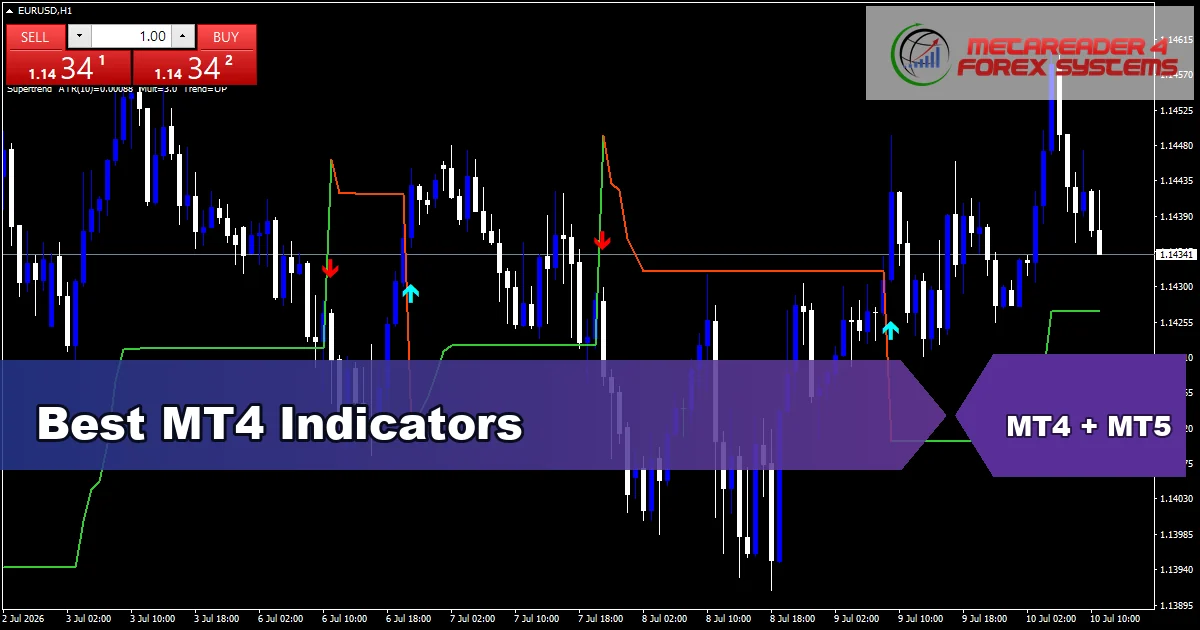
Best MT4 Indicators
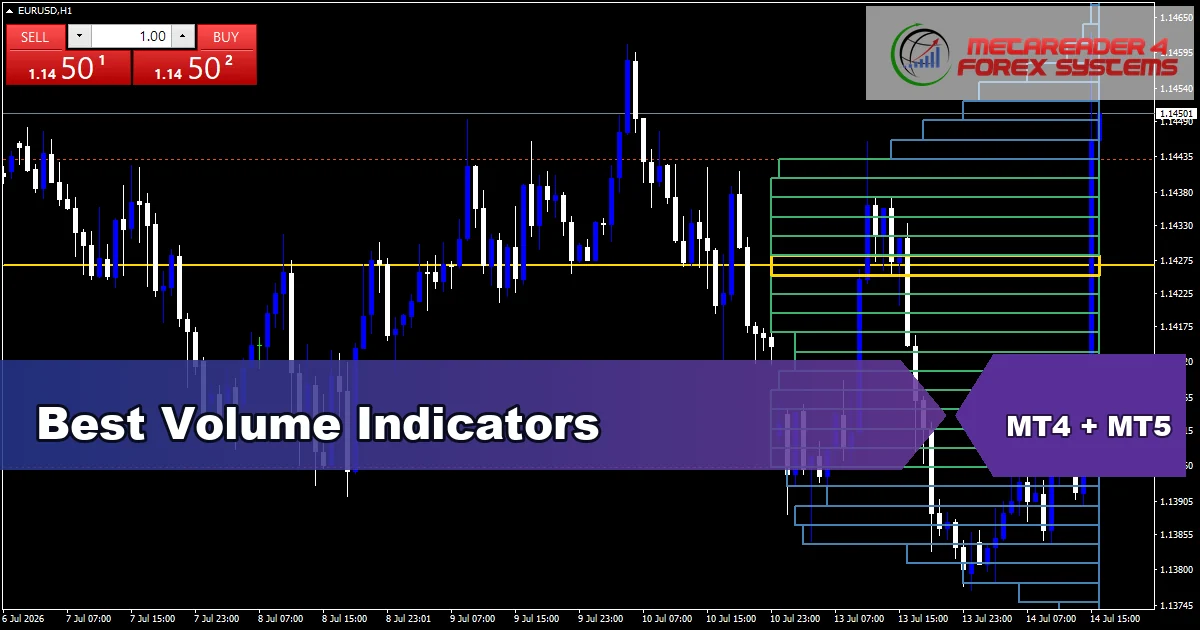
Best Volume Indicators
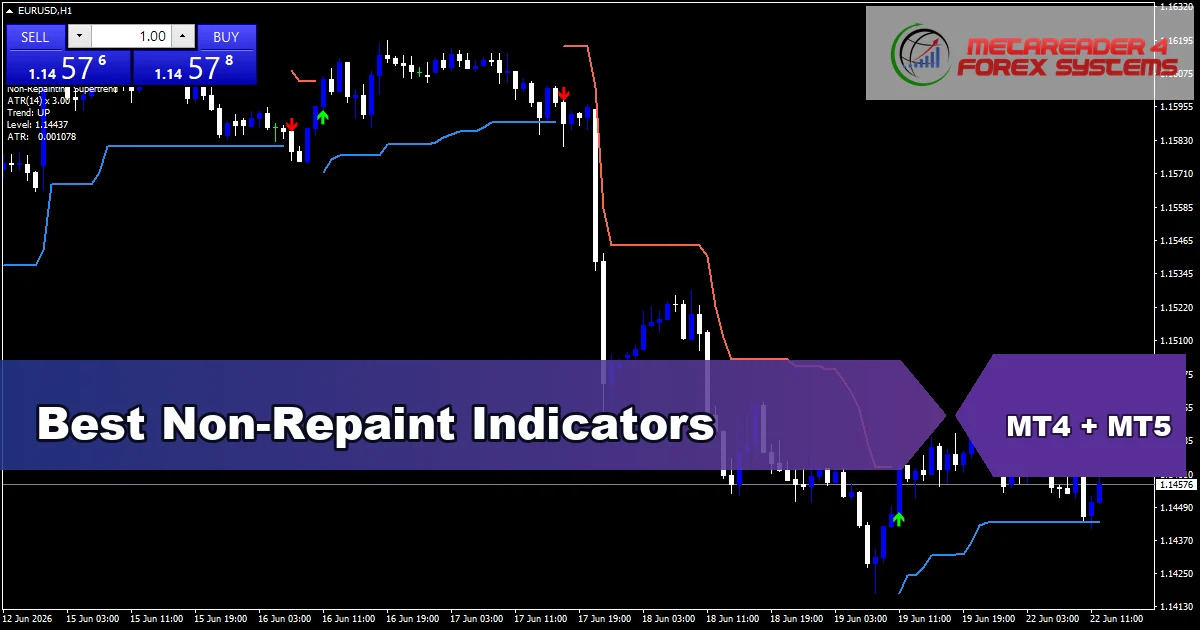
Best Non-Repaint Indicators
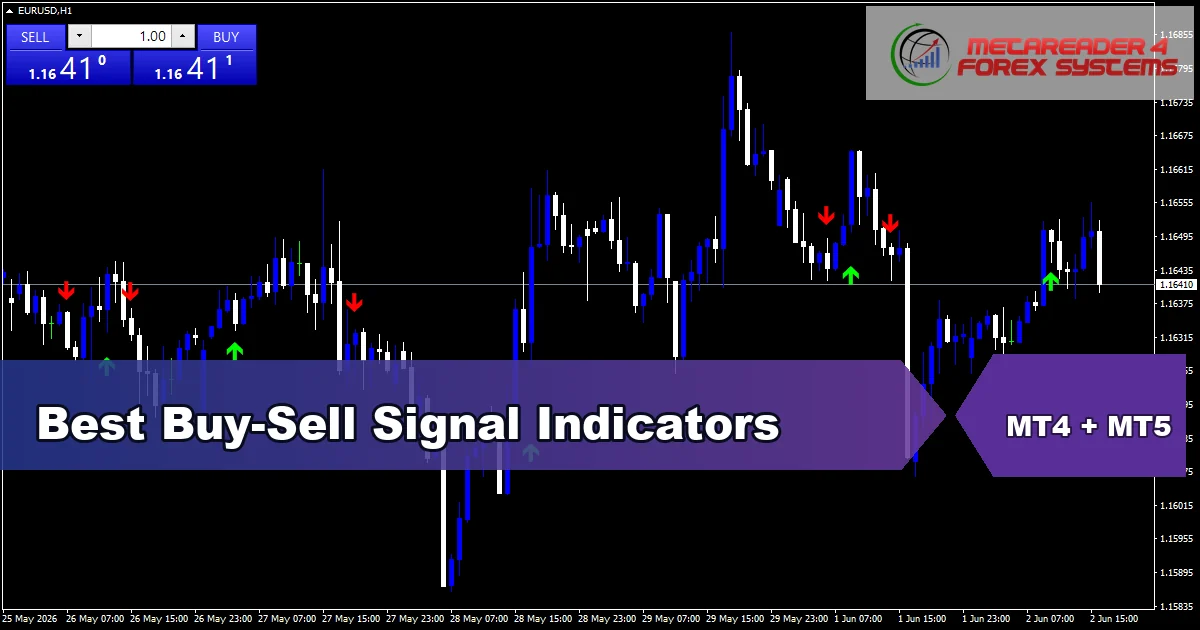
Best Buy-Sell Signals
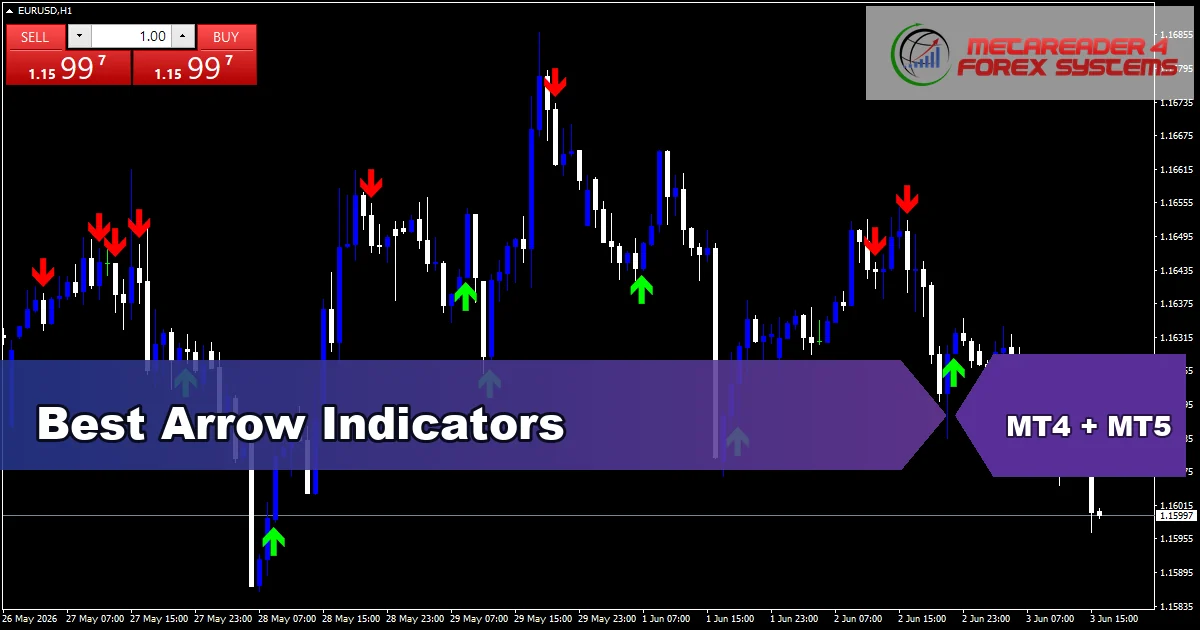
Best Arrow Indicators
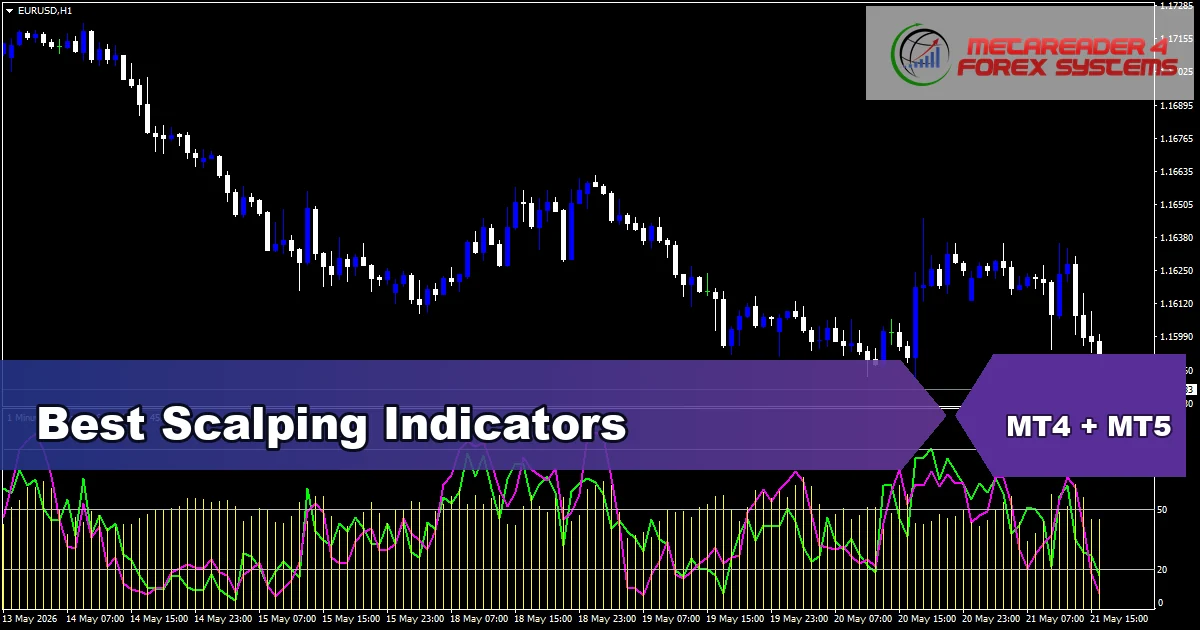
Best Scalping Indicators
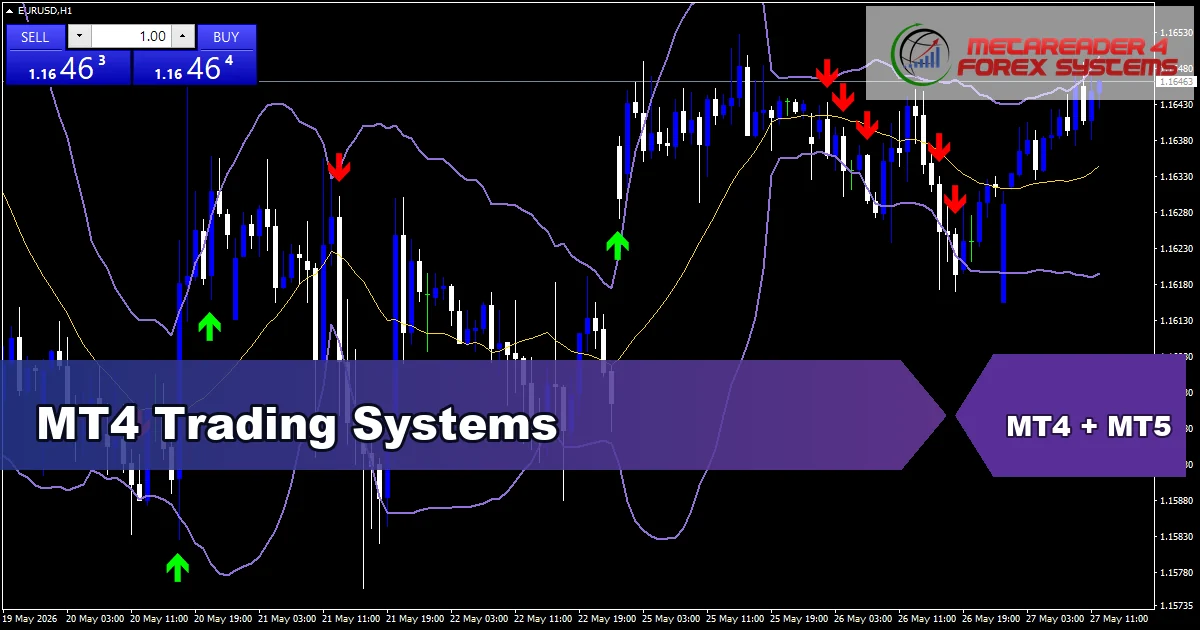
MT4 Trading Systems
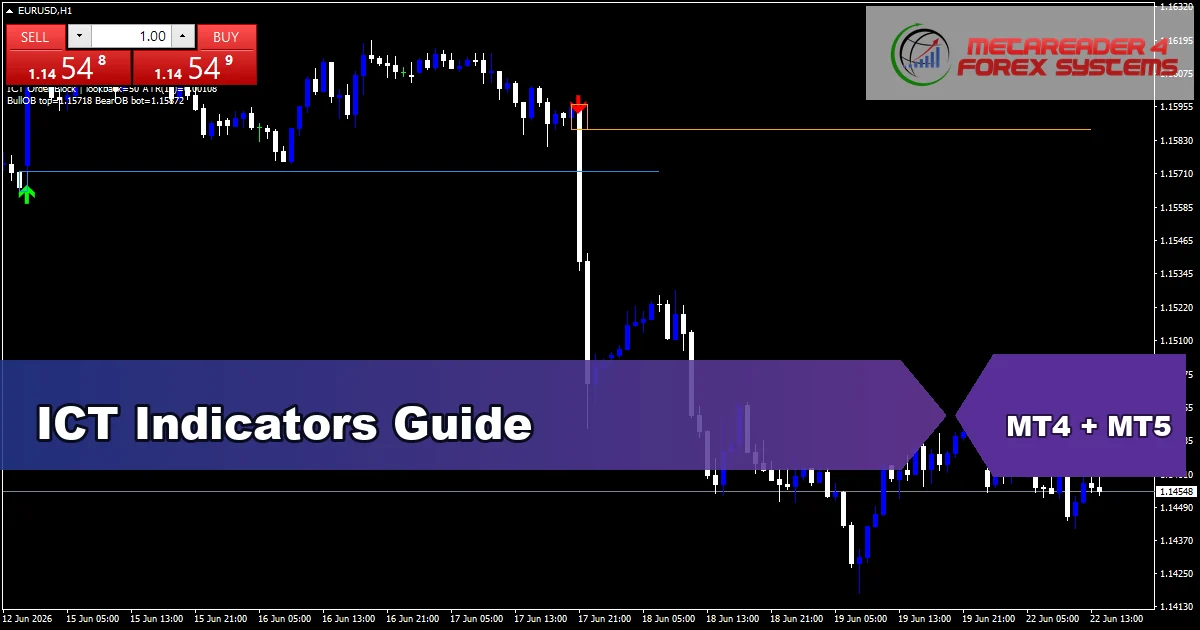
ICT Indicators Guide
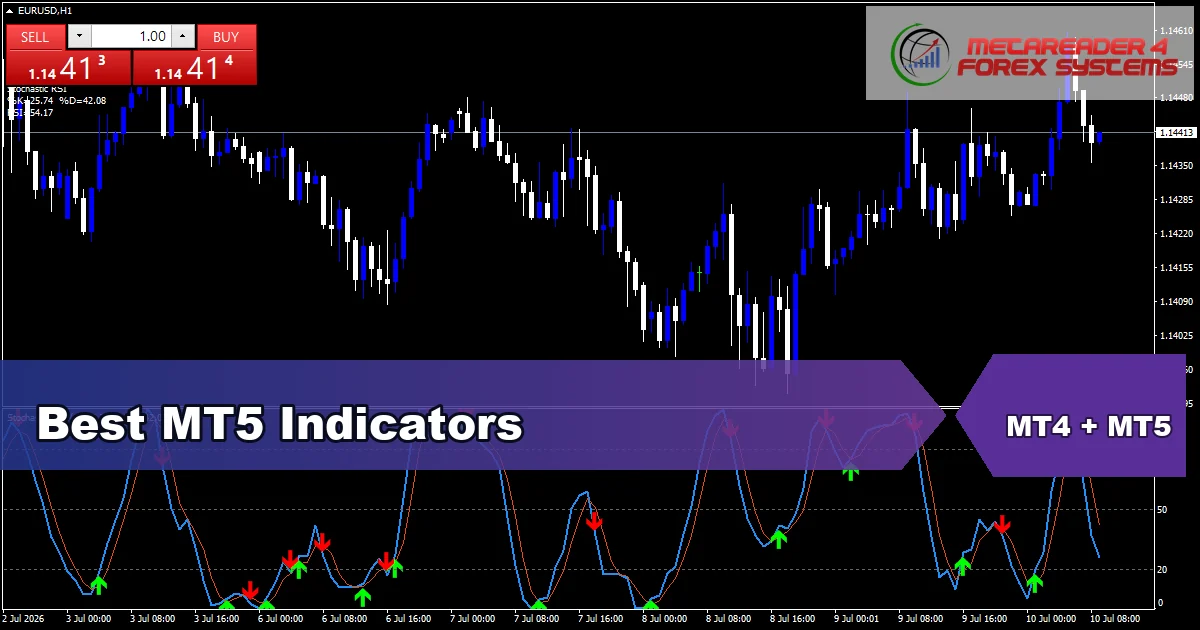
Best MT5 Indicators
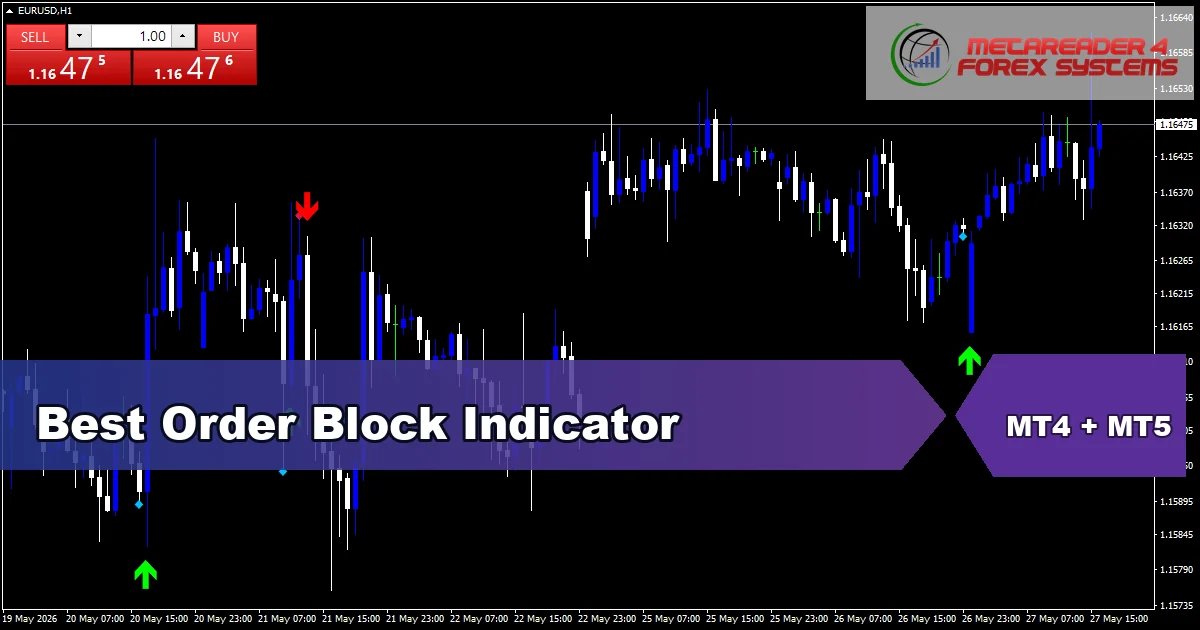
Best Order Block
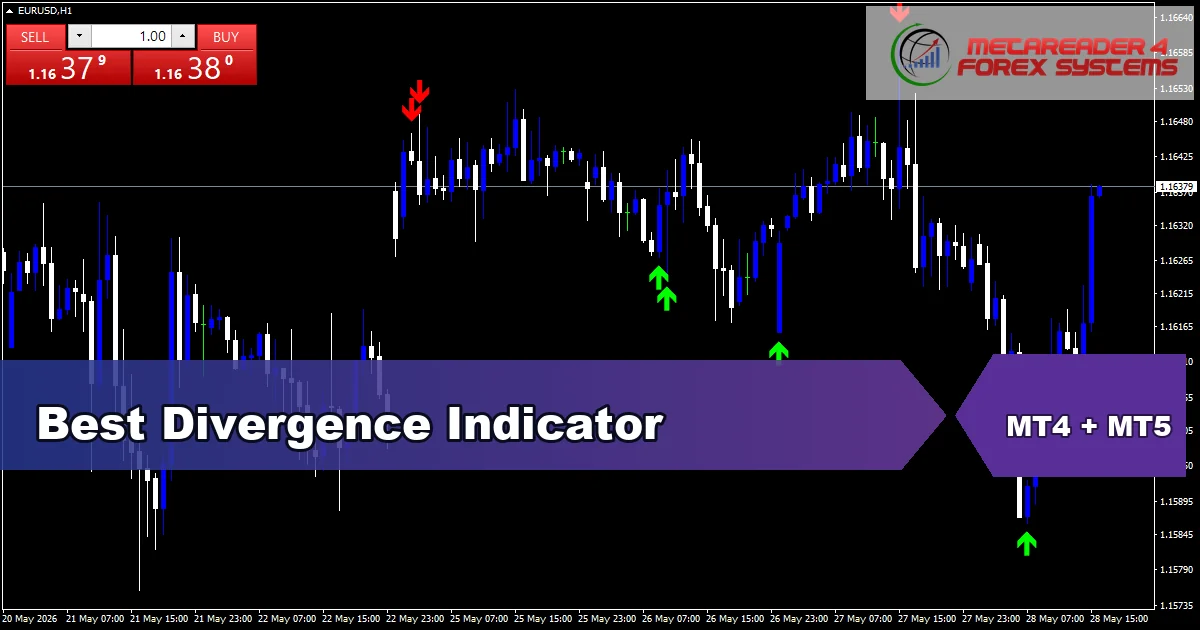
Best Divergence
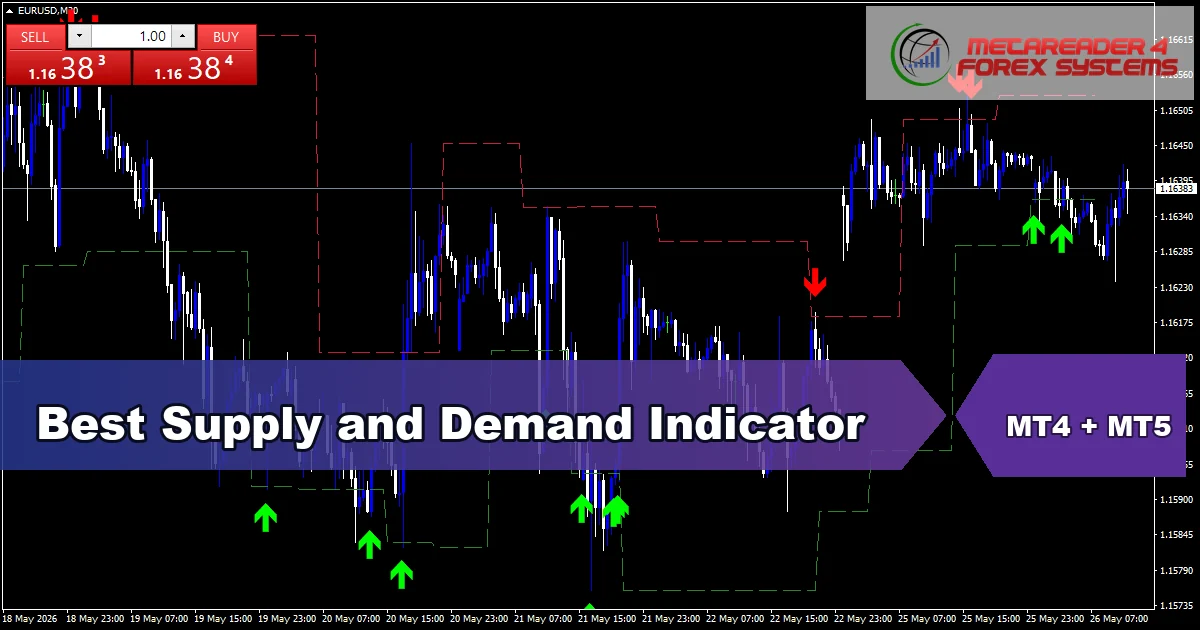
Best Supply & Demand
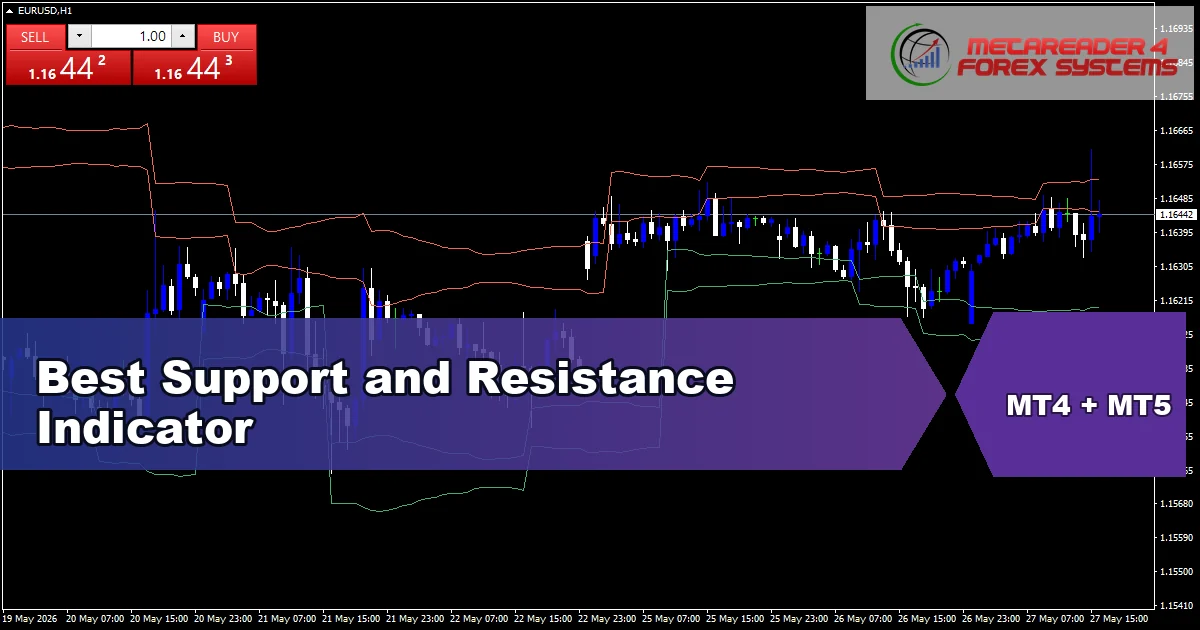
Best Support & Resistance
Learn the ICT concepts
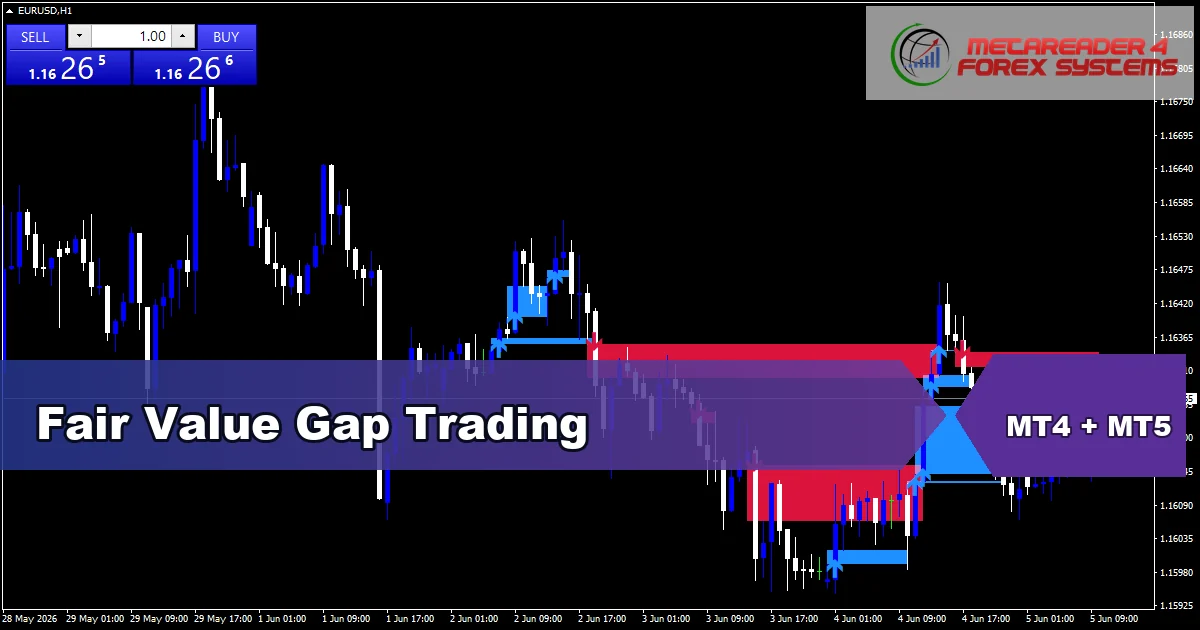
Fair Value Gap Trading
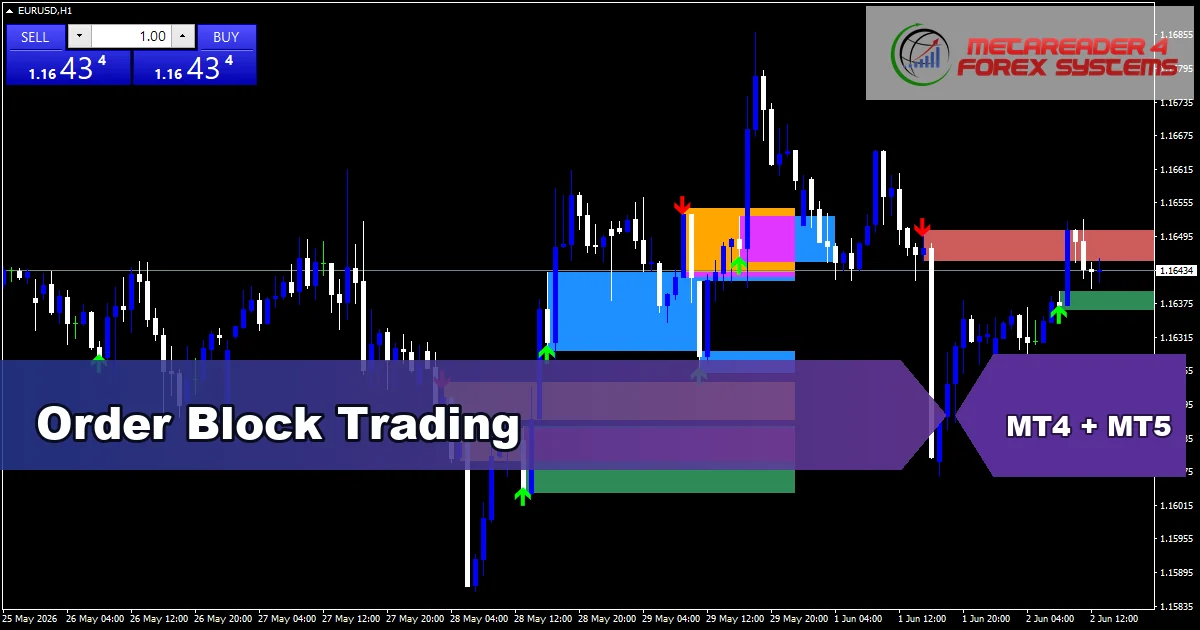
Order Block Trading
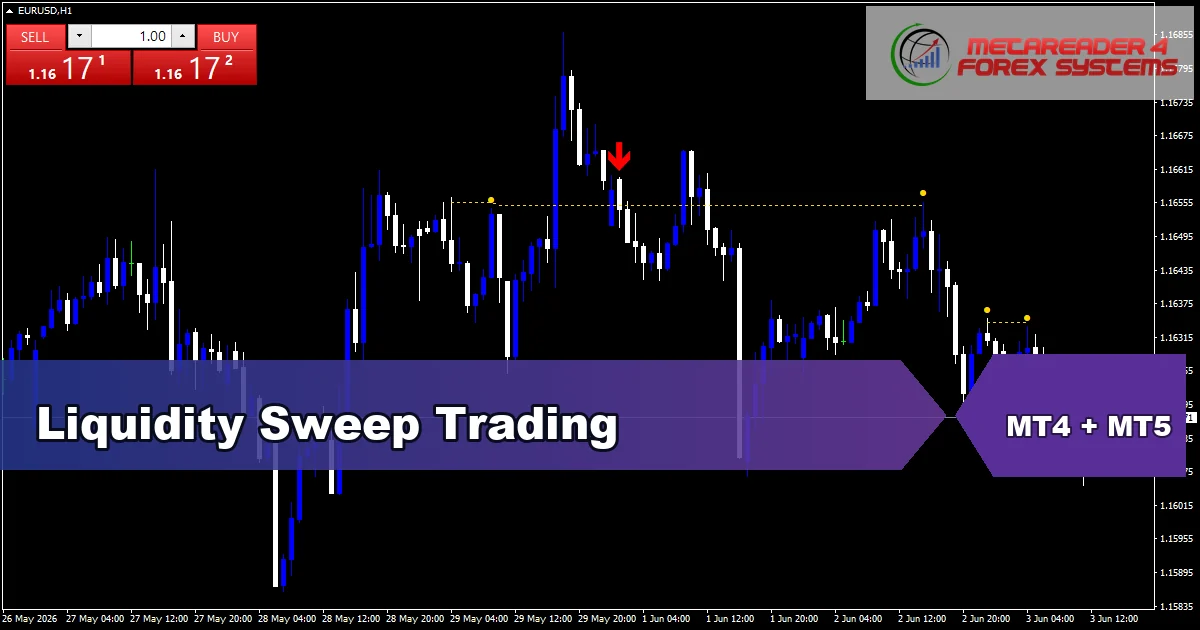
Liquidity Sweep Trading
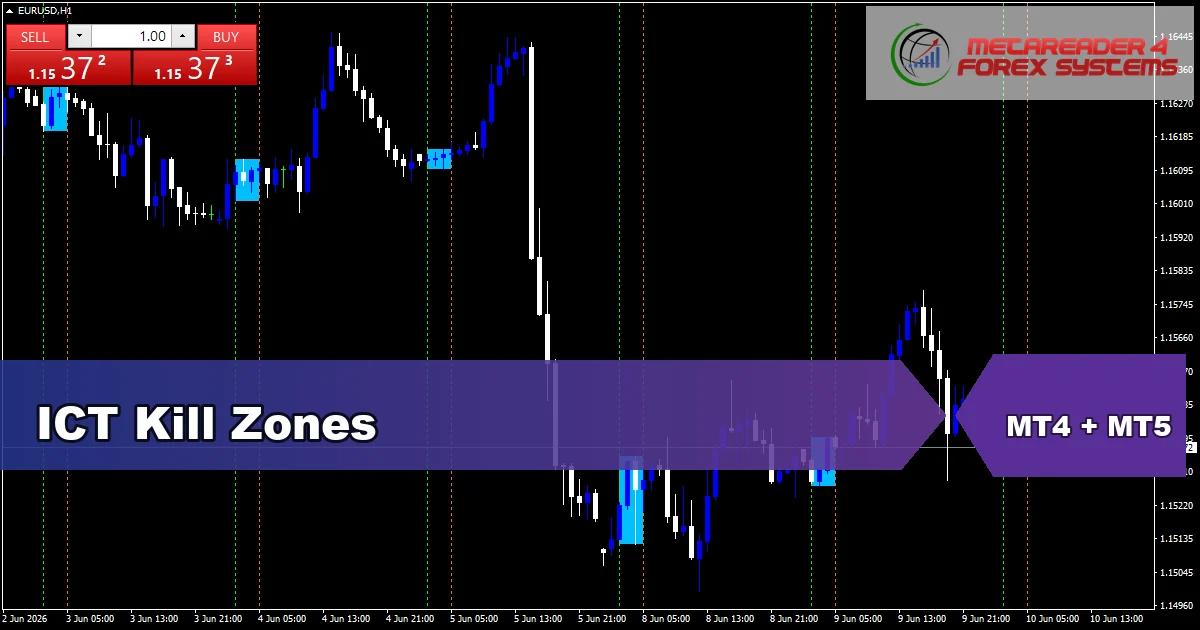
ICT Kill Zones
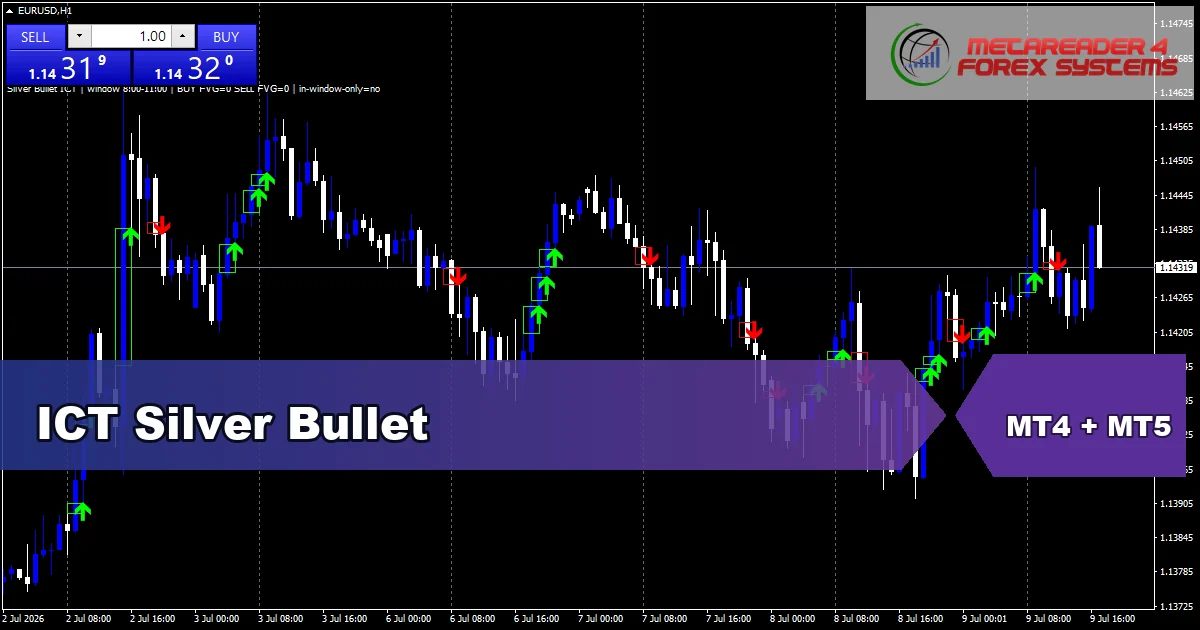
ICT Silver Bullet
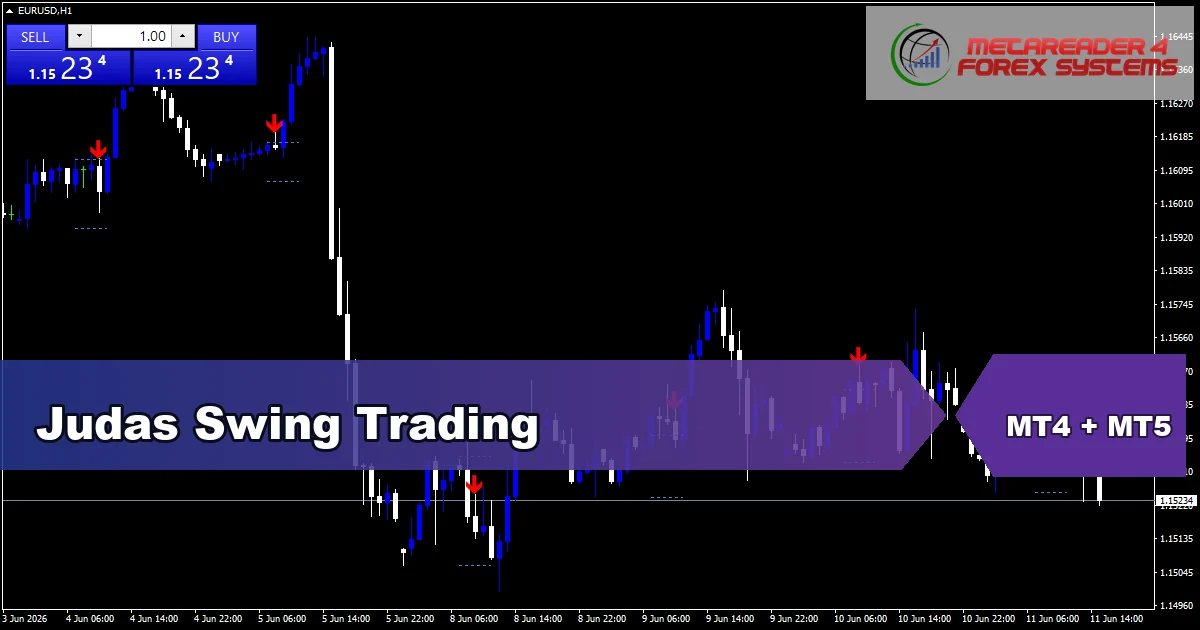
Judas Swing
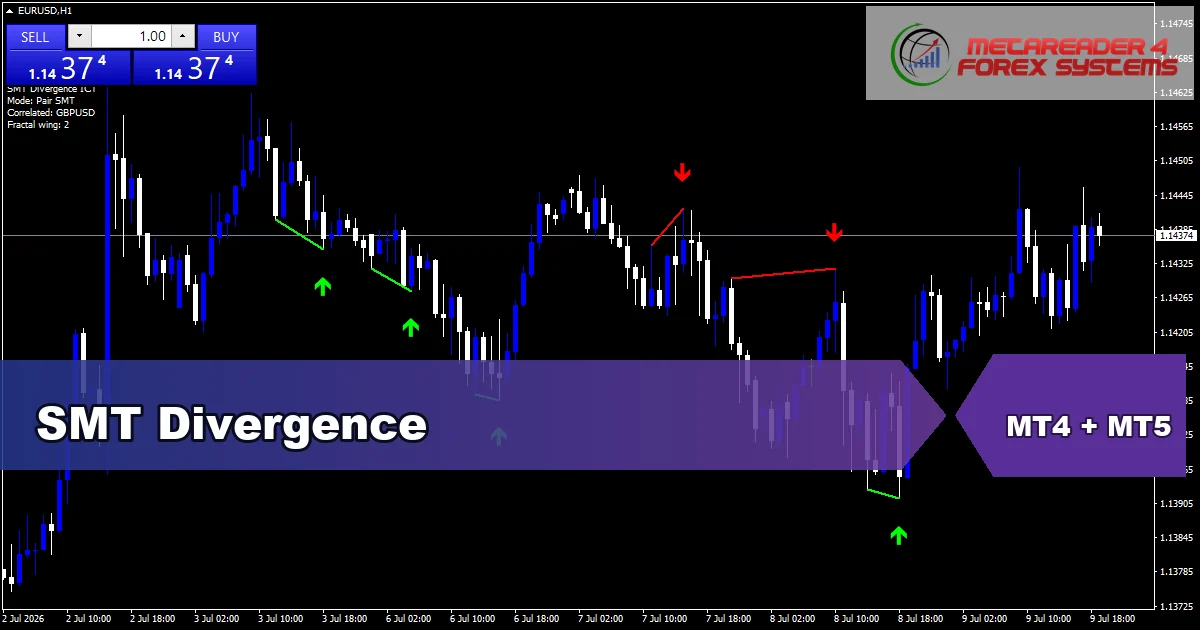
SMT Divergence
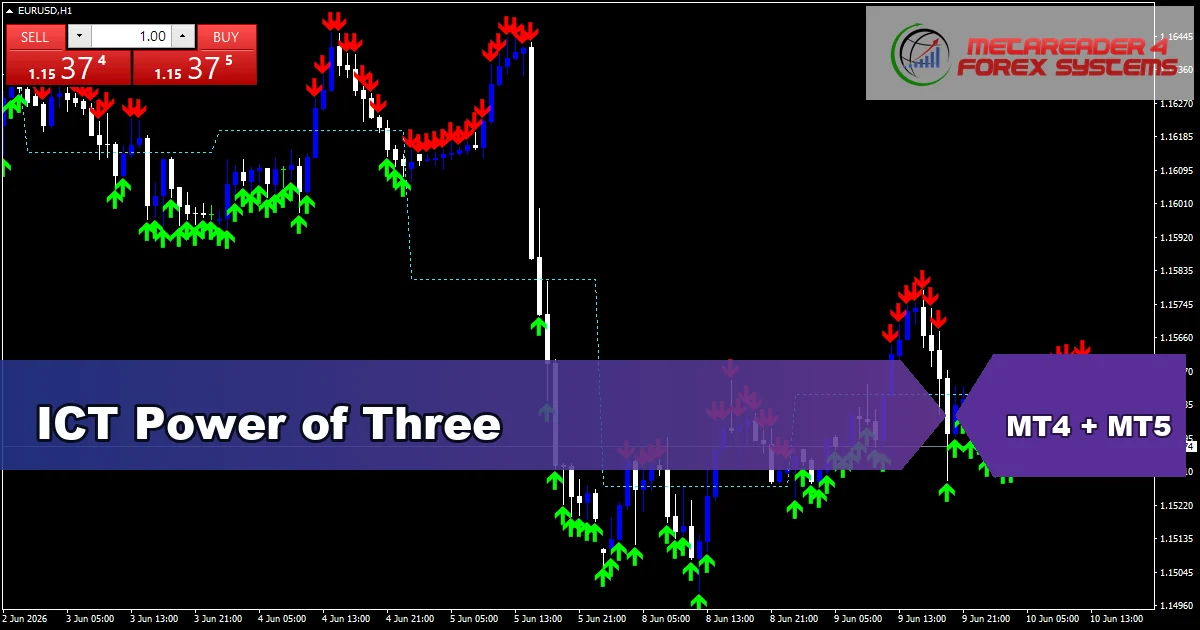
ICT Power of Three
Free trading tools
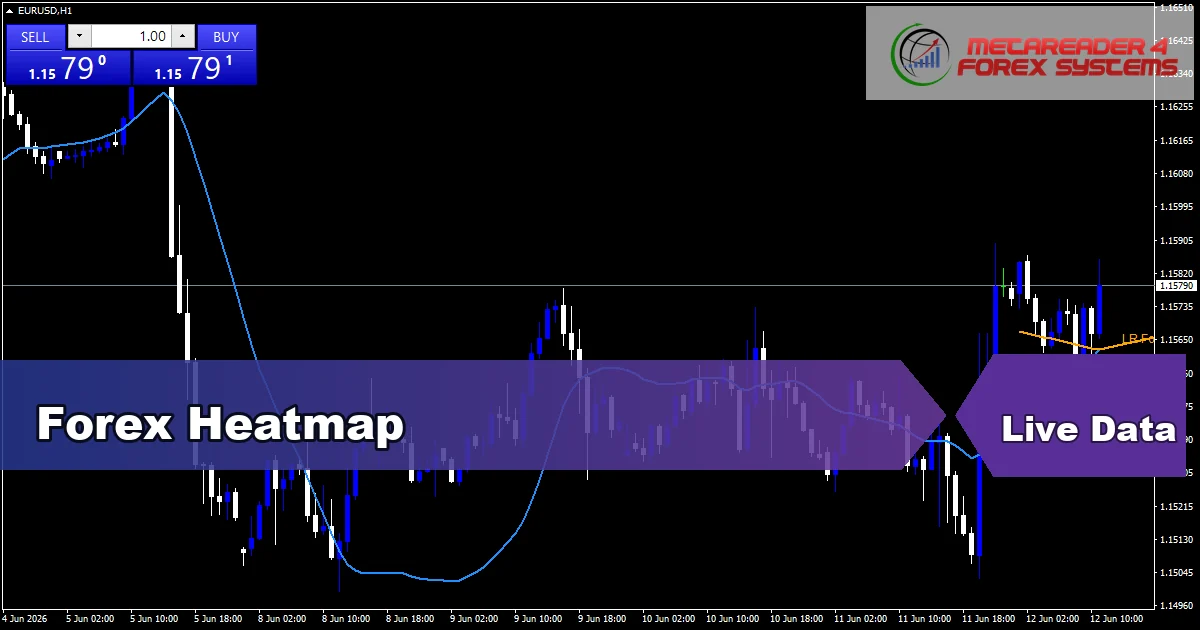
Browse indicators by family
Each card opens onto a curated hub with download links, screenshots and short guides per tool.
Signal & Forecast
28+ toolsBuy and sell arrow tools plus price-direction forecasters. Use these when you want a clear visual cue at swing points rather than a continuous overlay.
Browse signal indicators →Oscillators
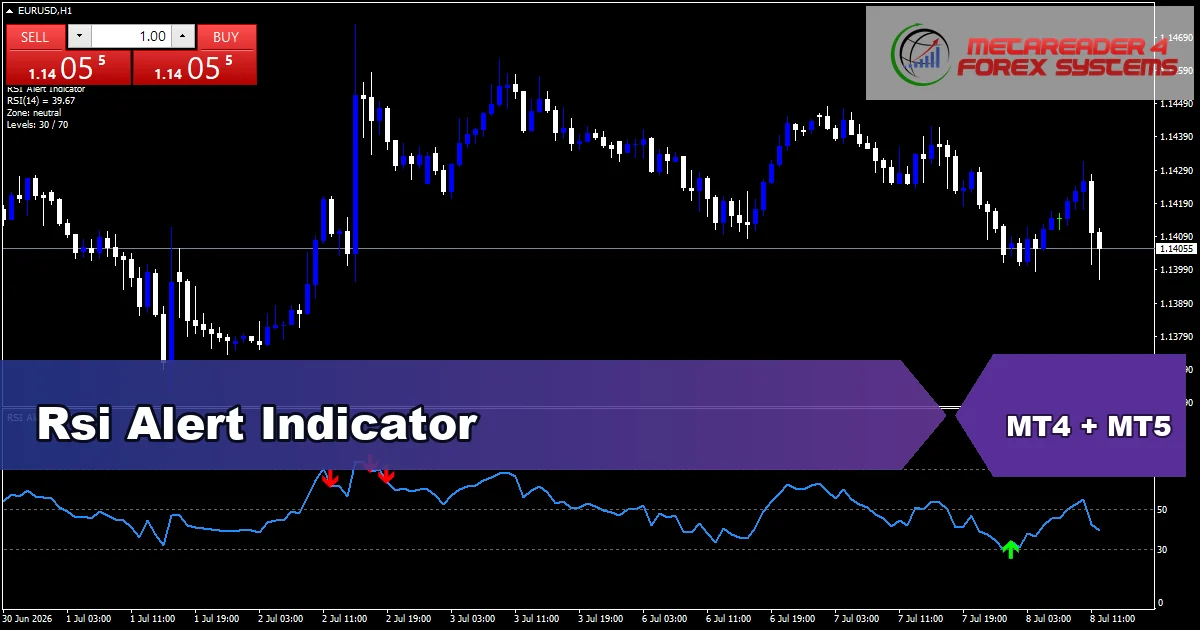
8+ toolsBounded-range momentum tools such as RSI, Stochastic, CCI and Williams %R. Use these to gauge overbought and oversold conditions and divergence with price.
Browse oscillators →Volatility
6+ toolsTools that measure swing size. Use these to set realistic stops, frame breakout entries and confirm whether a market is trending or ranging.
Browse volatility →Trend
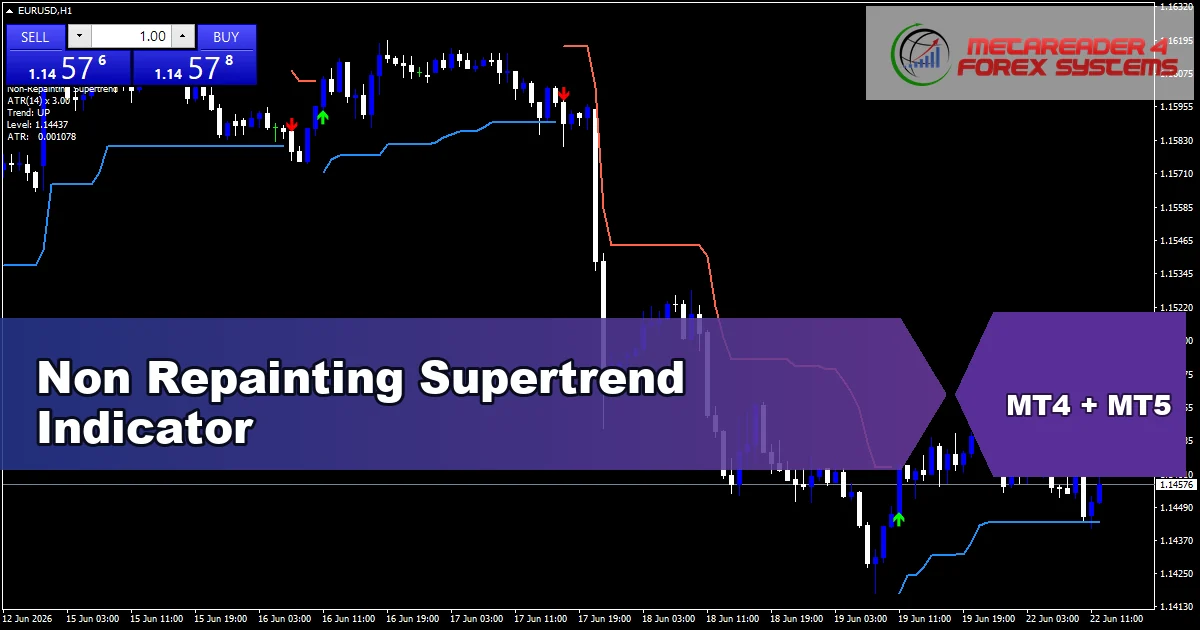
18+ toolsDirection and strength readers. Use moving averages, ADX and slope tools to filter trades in the direction of the dominant bias.
Browse trend →Support & Resistance
5+ toolsAuto-drawn levels and zones where price has reacted before. Supply and demand and pivot-based tools help you plan entries with structure.
Browse S&R →Smart Money
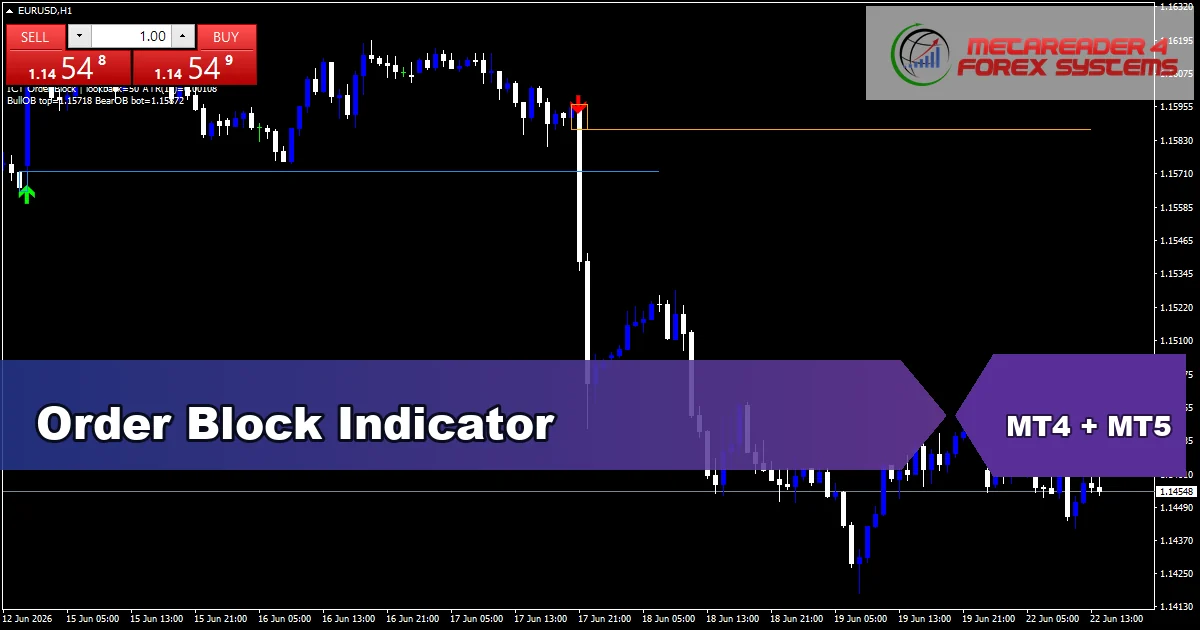
30+ toolsOrder blocks, fair value gaps, liquidity sweeps and structure breaks. Use these to read the steps institutional flow takes through the chart.
Browse smart money →Candlestick patterns
3+ toolsEngulfing, pin bar, doji, hammer and other classic patterns plotted automatically. Multi-pattern scanners filter by quality and trend context.
Browse patterns →Volume
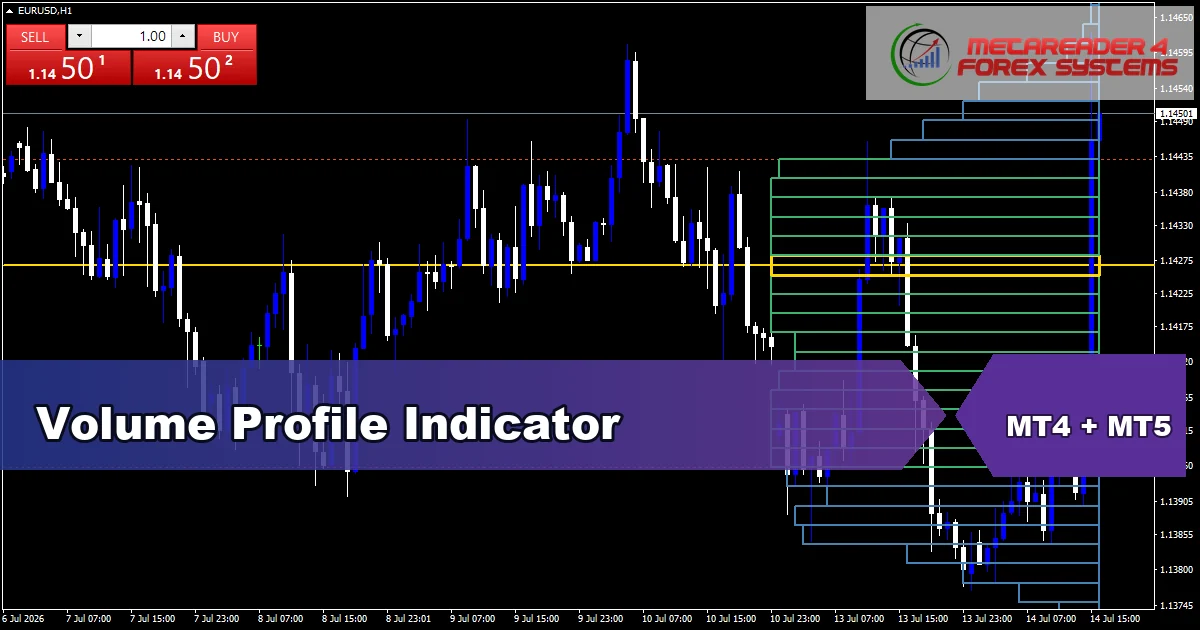
4+ toolsTransactional flow tools. Use these to confirm or contradict price moves and to spot accumulation or distribution phases.
Browse volume →Sessions
1+ toolsAsian, London and New York session boxes plus the London-New York overlap. Use these to time entries around the most liquid hours.
Browse sessions →Free TradingView indicators
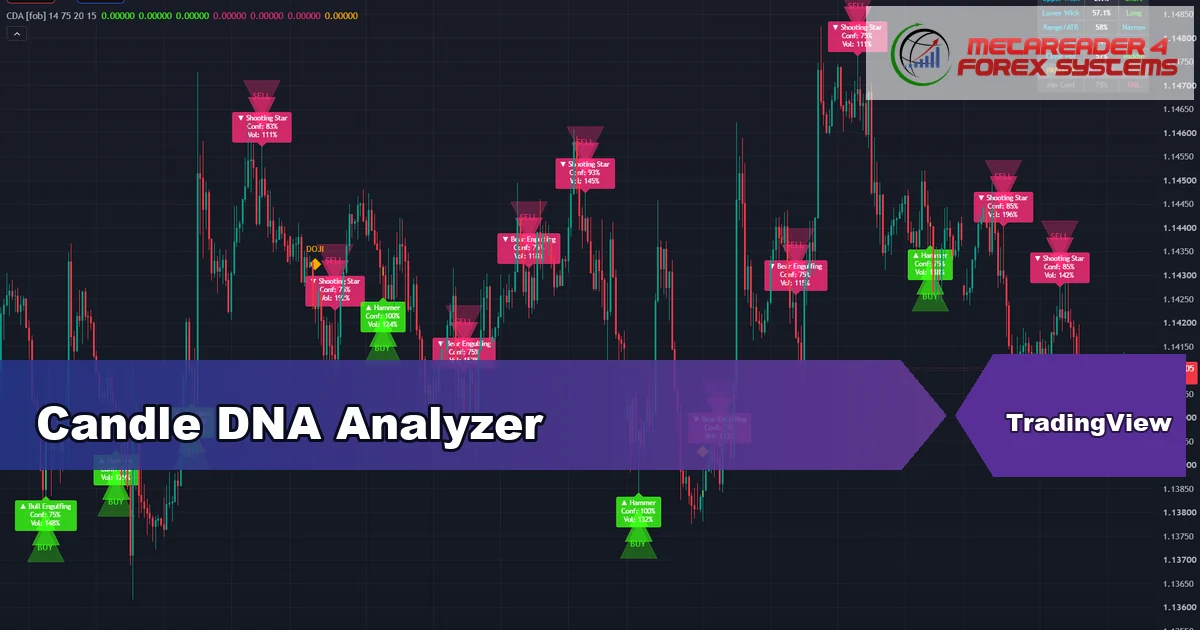
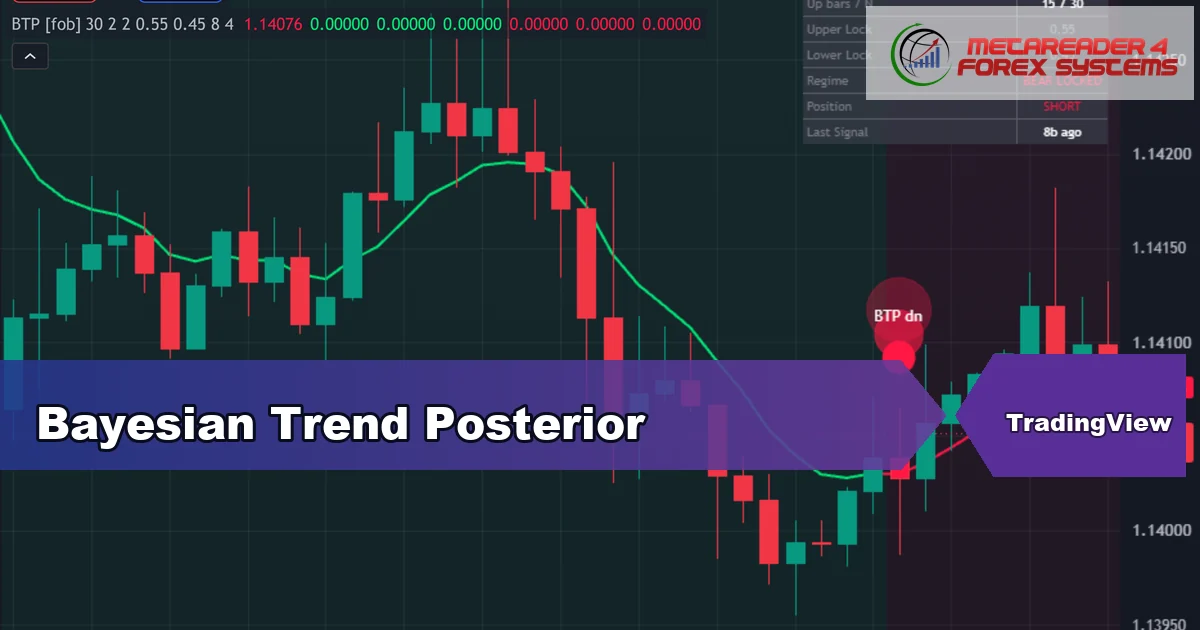
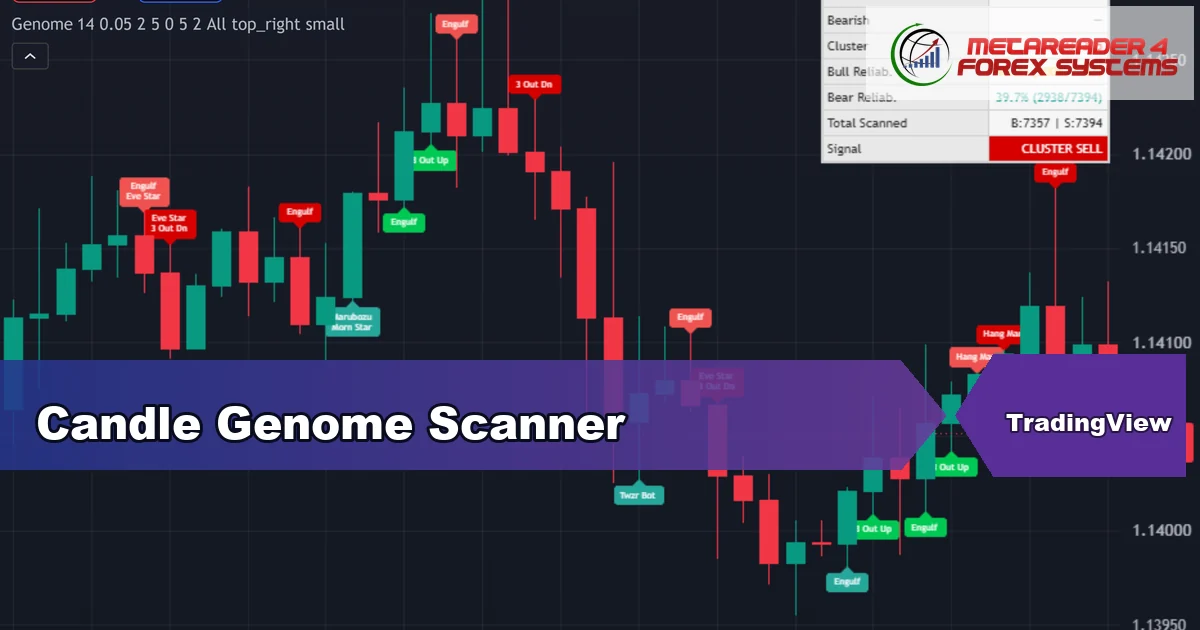
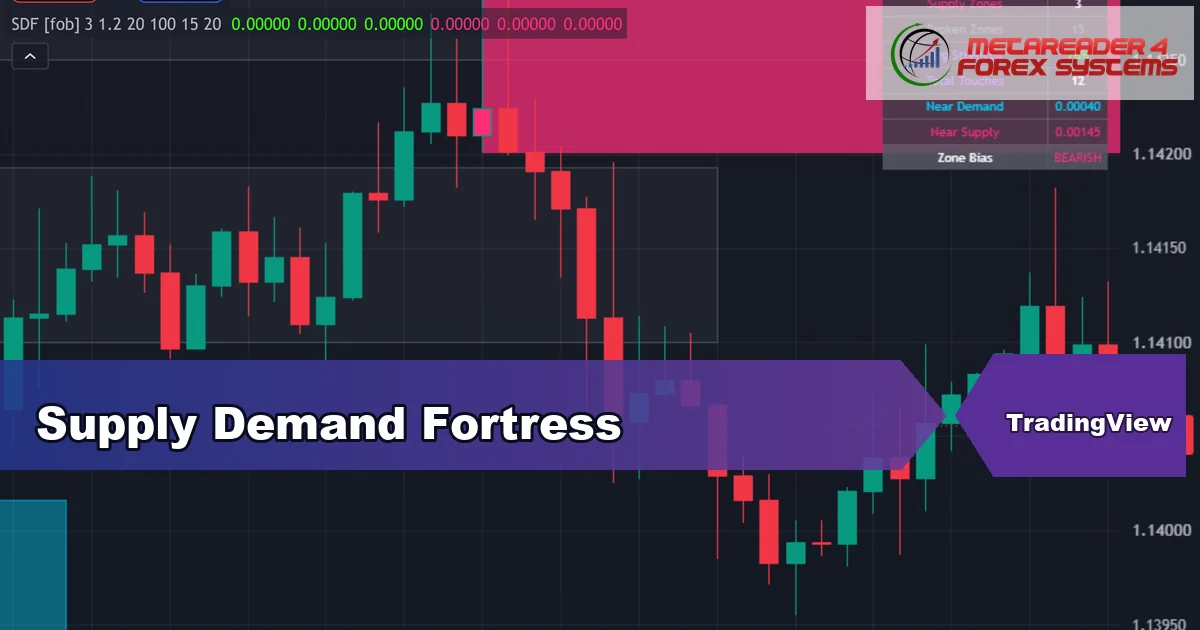
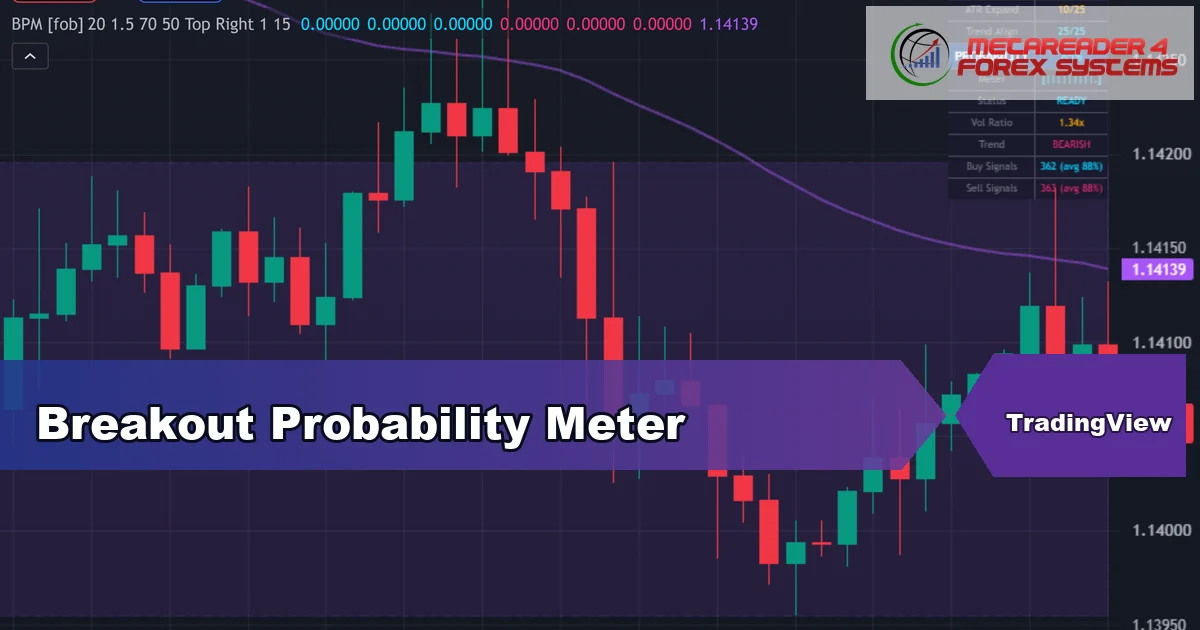
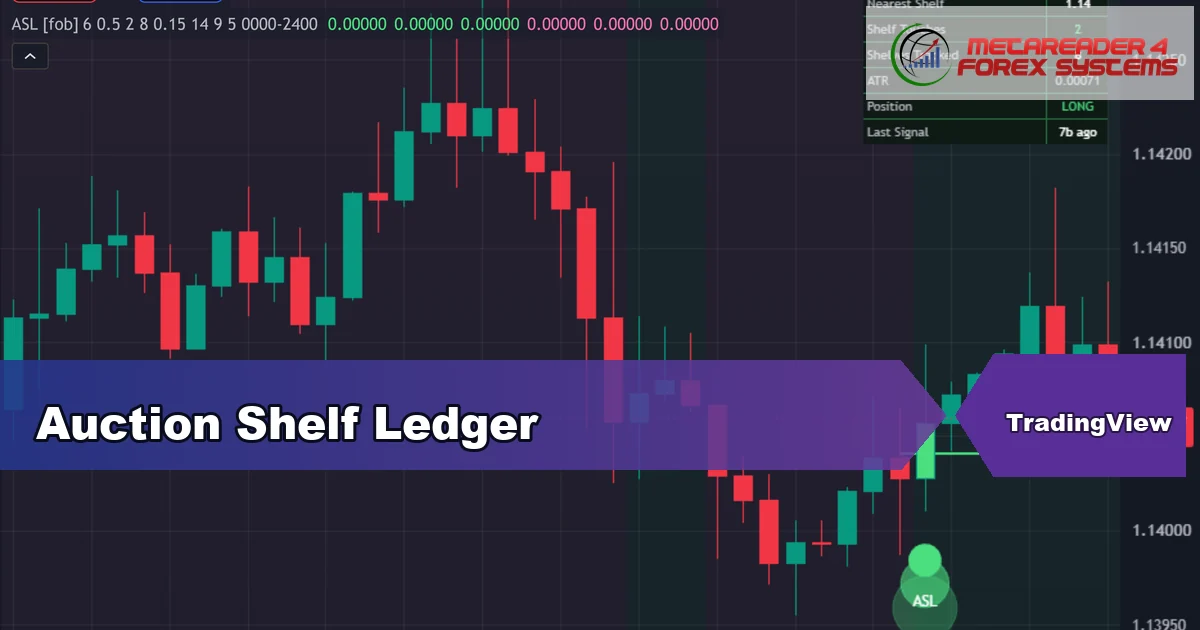
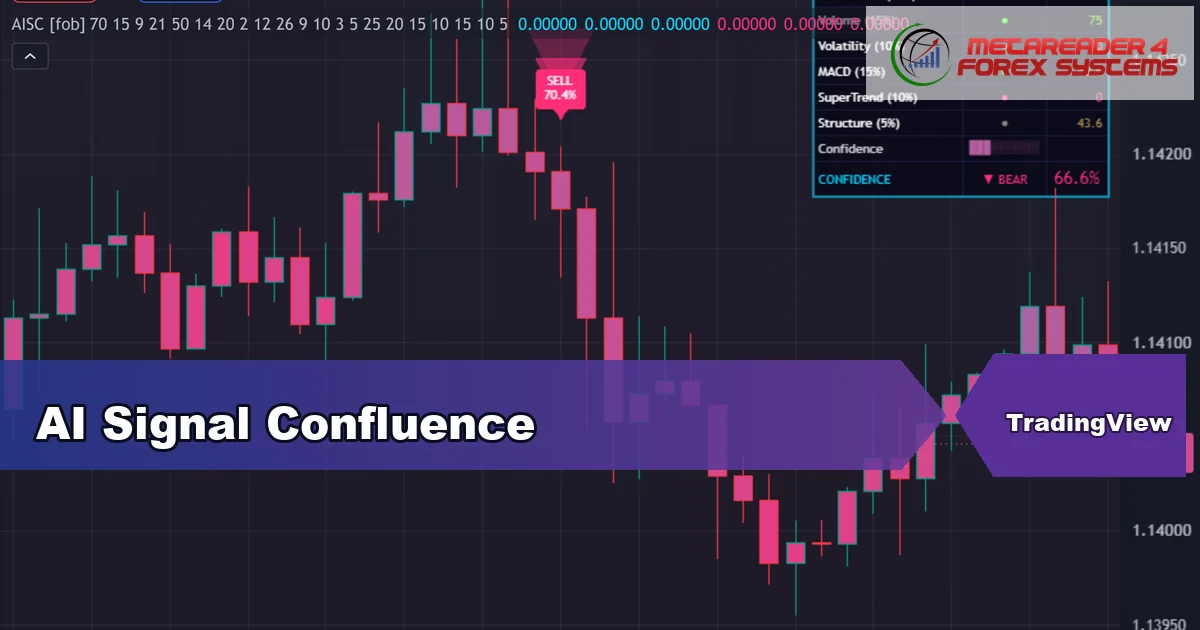
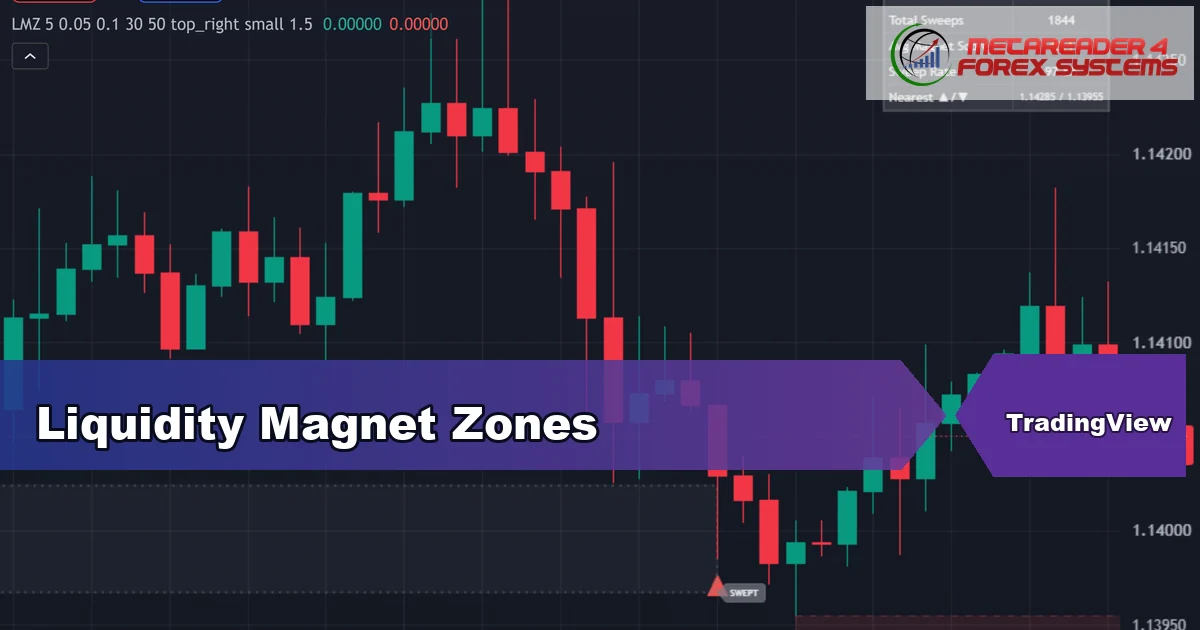
Open-source Pine scripts published on my TradingView profile. Every one is free to add to your chart, and each guide explains the algorithm and every setting.
Premium TradingView indicators
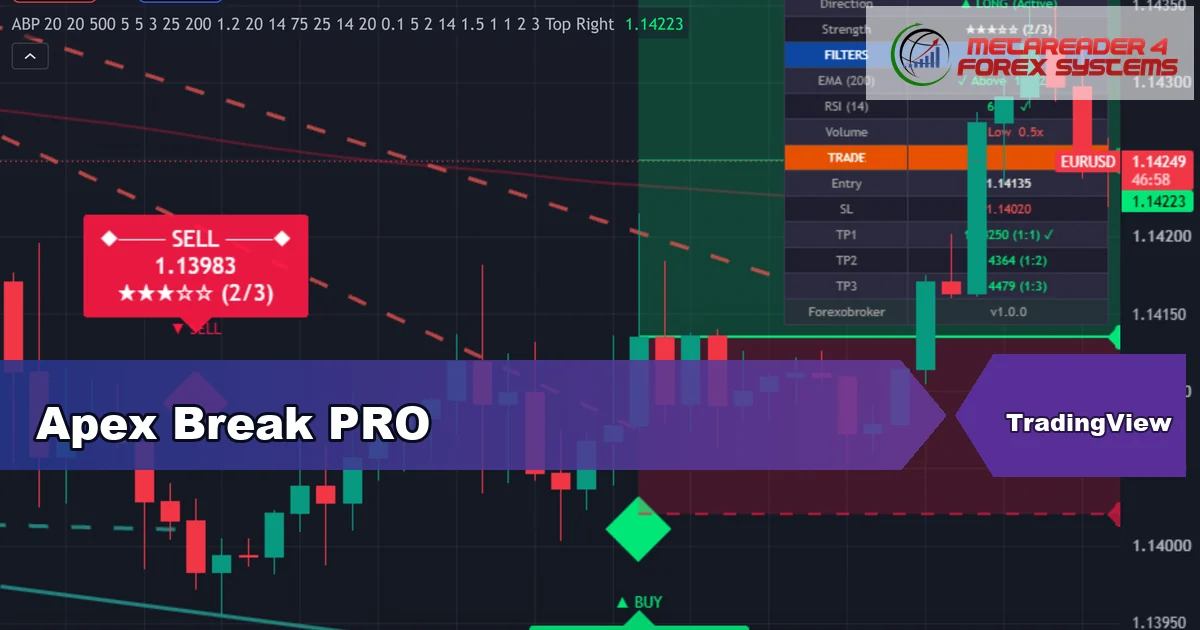
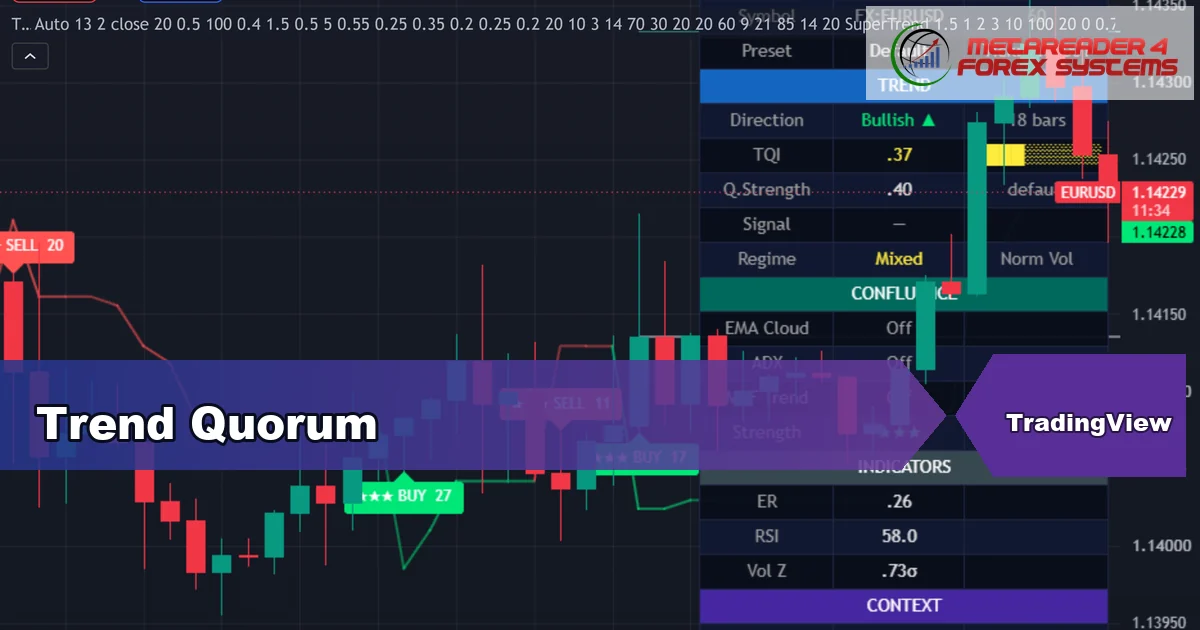
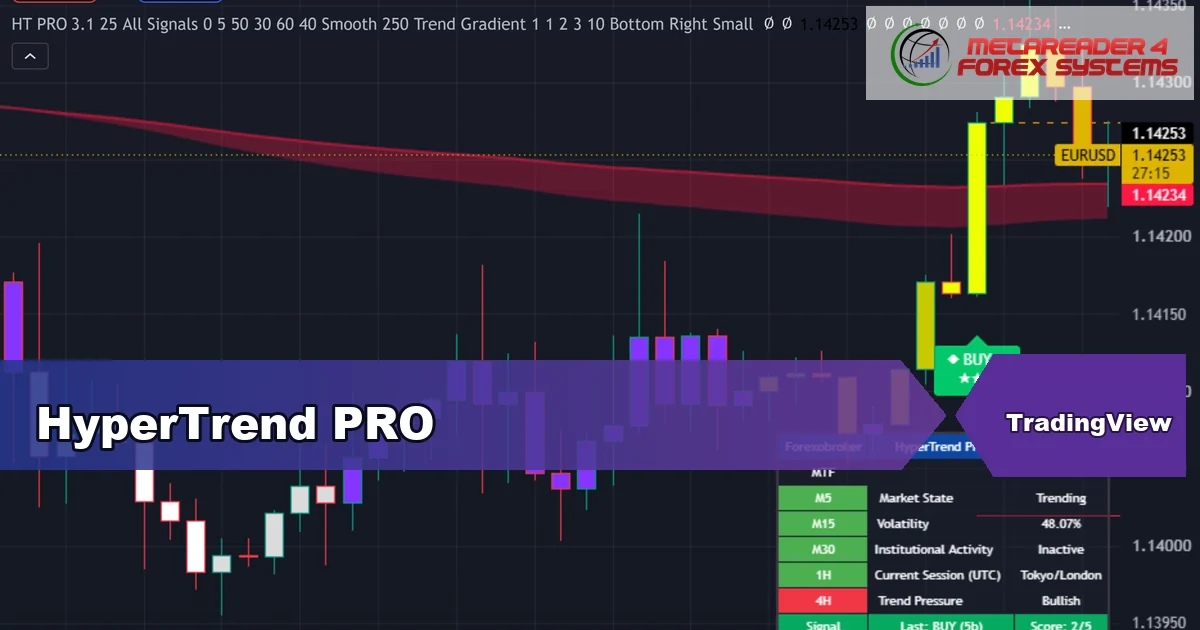
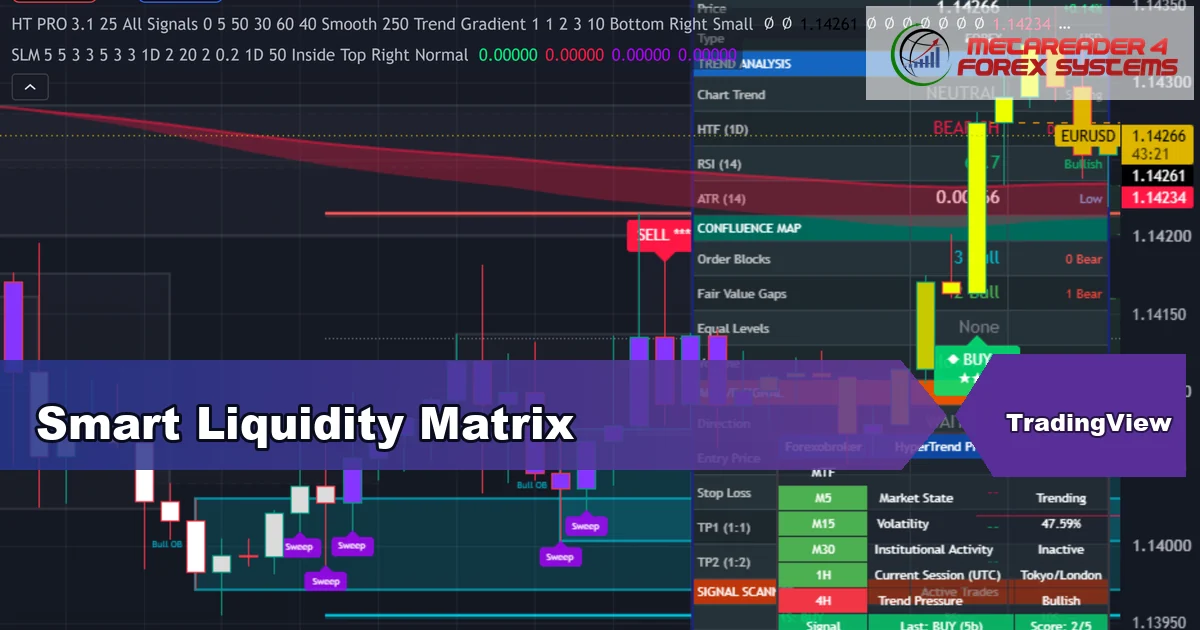
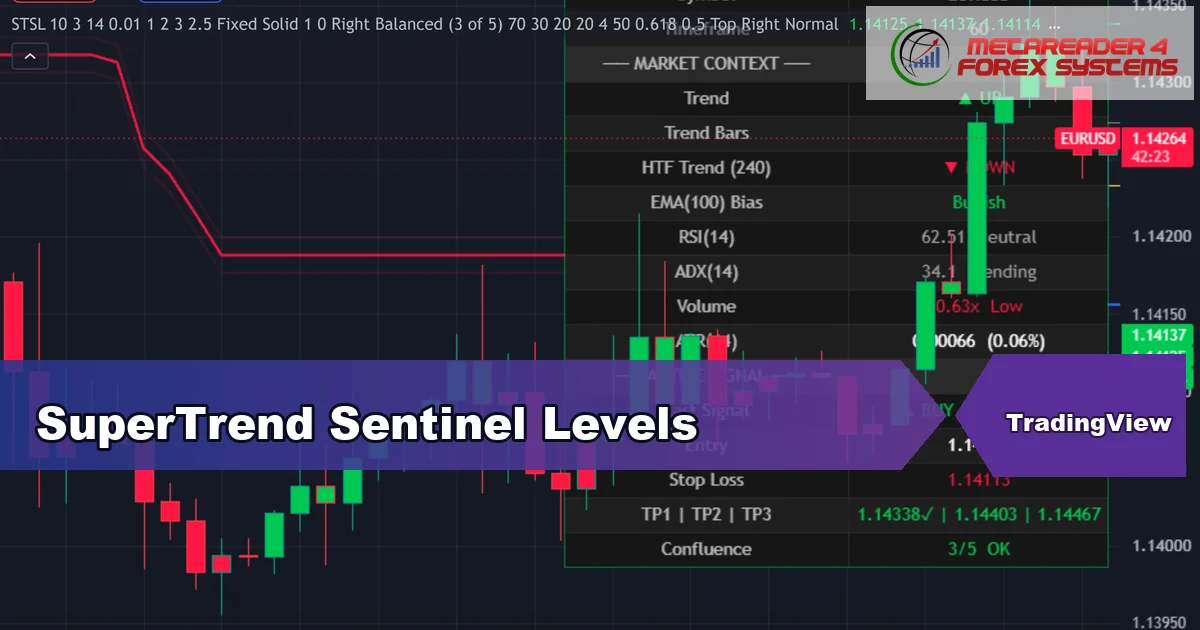
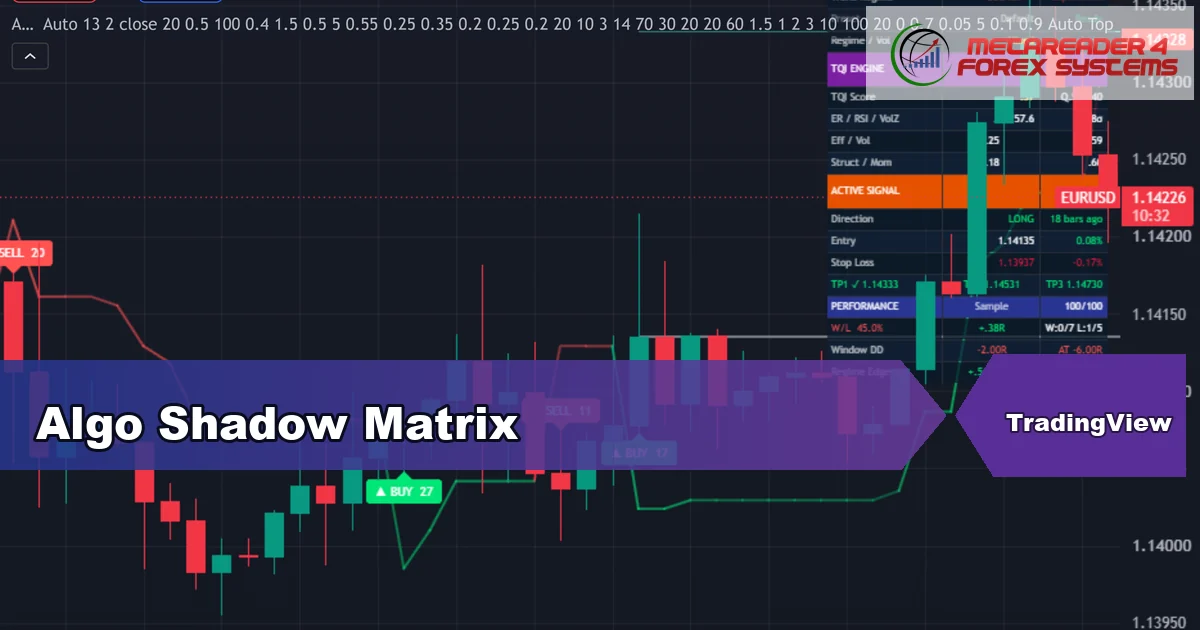
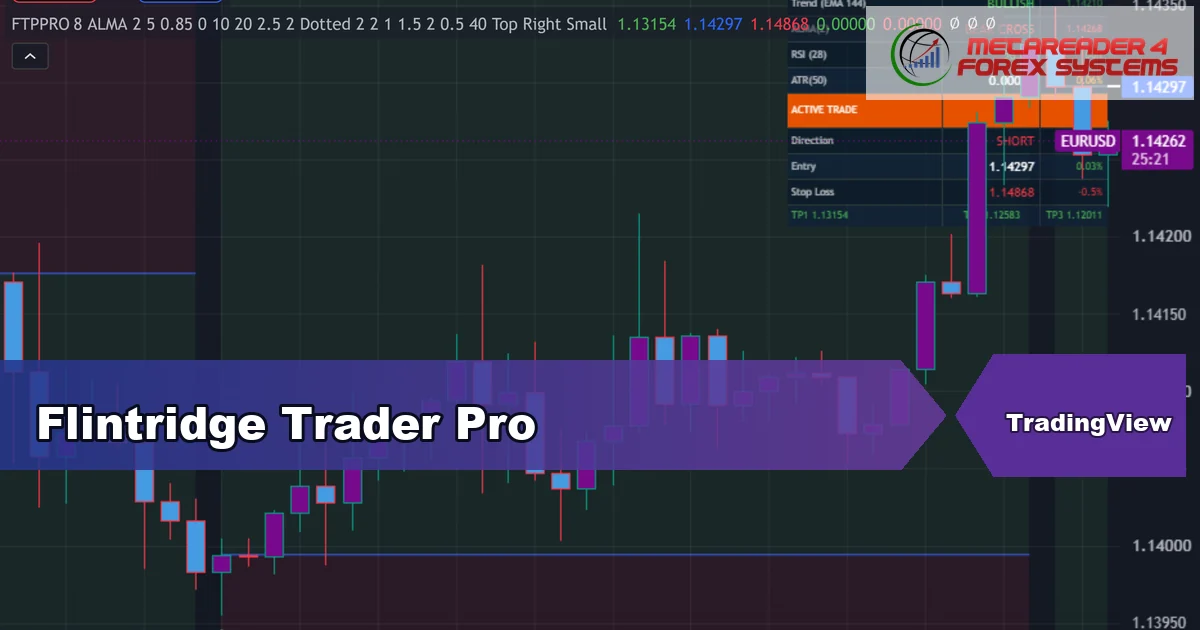
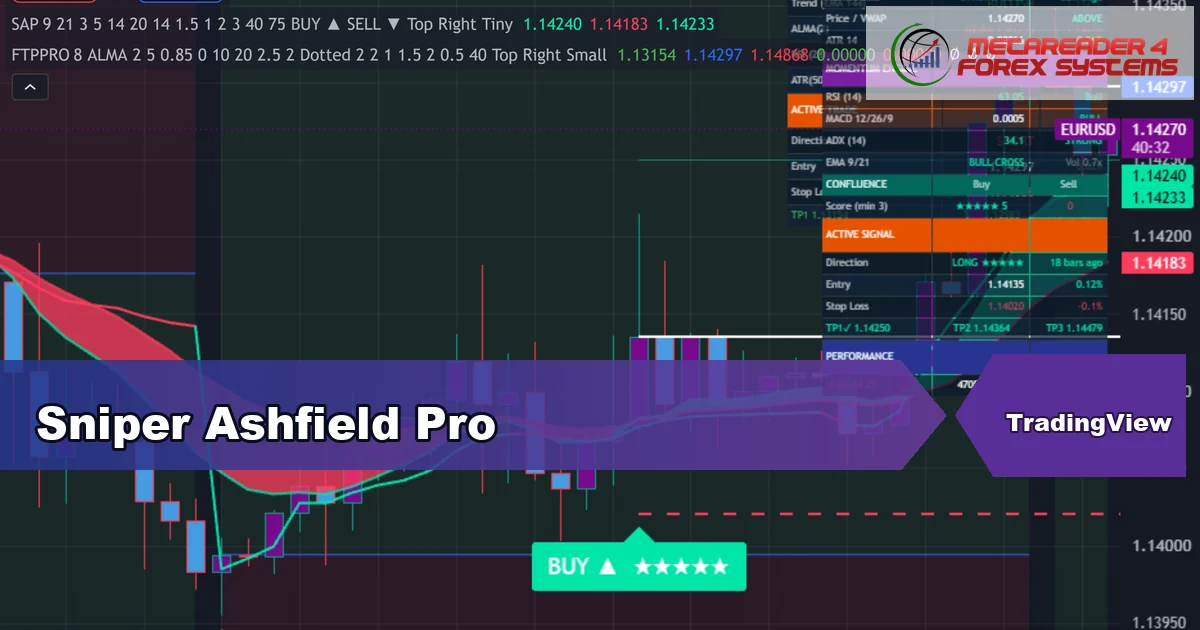
My paid PRO tools – non-repainting signal engines with confluence scoring, on-chart risk levels and full alert packages. Each guide walks through what it does and how to trade it.
Browse by MetaTrader platform
Every tool ships for both platforms in the same zip. Pick the platform you actually use.
Every release ships with a compiled .ex4 for MetaTrader 4. Drop it into MQL4/Indicators, refresh the Navigator and load it on any chart.
Browse MT4 indicators →Every release also ships with a compiled .ex5 for MetaTrader 5. Drop it into MQL5/Indicators, refresh the Navigator and load it on any chart.
Browse MT5 indicators →The tools I use to chart, fund and trade
Real partners I use myself. Each logo links out with my affiliate code — I may earn a commission at no extra cost to you.
Brokers




VPS

Prop firms








Why download from Forex MT4 Systems
Five standards every tool meets before it reaches this page.
- 100% freeOne email unlocks the whole library — no paywall, no upsell, no drip-feed.
- Live-chart testedEvery release runs on EURUSD, GBPUSD and XAUUSD before publication.
- Clear documentationEach tool ships with an inputs guide, recommended timeframes and the signal logic.
- Both MT4 and MT5Every download bundles compiled .ex4 and .ex5 in one zip.
- 4-channel alertsPop-up, push, email and sound — toggled from the inputs panel.
- No source-code editingThe compiled file drops into MQL4/Indicators or MQL5/Indicators and runs straight away.
New to MetaTrader indicators?
Read the step-by-step install guide. Every indicator page links back to this guide for quick reference.
Frequently asked questions
Quick answers to the most common questions about the library.
Is everything really free?
Yes. The full catalog opens after a single email confirmation. You can unsubscribe at any time and your address is never shared with third parties.
Do these indicators repaint?
No. The default mode confirms a signal on the bar close, so the printed signal locks in once that bar closes. Some tools include an early intra-bar mode for faster confirmation — both options live in the inputs panel.
Which broker or funded programme do you use?
I trade with IC Trading and IC Markets, use Exness and Blueberry Markets for additional accounts, and run funded evaluations through FTMO, FundedNext, The5ers, IC Funded, Blueberry Funded and Funded Trading Plus. All of them are listed in the partners section above with affiliate disclosures.
How is each indicator tested before release?
Each tool runs on live EURUSD, GBPUSD and XAUUSD charts in MT4 and MT5. Every tool is checked against the Strategy Tester so live-chart behaviour and backtest match. The full checklist is public in our Editorial and Testing Policy.
Can I use these indicators inside an Expert Advisor?
Yes. Each indicator exposes its output buffers, so an EA can read the signal value with iCustom on MT4 or iCustom plus CopyBuffer on MT5. The input names stay consistent across both platforms.
How do I install a TradingView script from this site?
Each TradingView post links to the script on my profile. Click Add to chart on TradingView. No source code editing is required, and updates push automatically.
Are results guaranteed?
No. Trading involves risk and past performance is not indicative of future results. Use the indicators as part of your own process and risk plan.
Stay connected
Transparency, contact and policy pages plus the public profiles where I publish.