
Dominic Walsh is the trader and developer behind forexmt4systems.com. Every indicator, Expert Advisor and script on this site was built, configured or reviewed by him, and each one ships with a plain-English guide. This page explains who does that work, how the tools get tested, and where you can check the same name elsewhere.

Who Dominic Walsh is
My name is Dominic Walsh. Across trading communities I go by forexobroker, and that is the same name my published work carries elsewhere. I trade Forex and I write the code behind the tools here.
Over the years I have studied price action, market structure, and the way technical indicators actually behave across the major and minor currency pairs. What began as an interest in reading charts turned into a disciplined practice. Risk control came first. Then a repeatable process. Then constant testing, which is the part most tools skip.
Today I work on two things. The first is technical analysis for the MetaTrader 4, MetaTrader 5 and TradingView platforms. The second is turning trading ideas into custom indicators that other traders can load and study for themselves.
What Dominic Walsh builds
- Custom indicators for MetaTrader 4 and MetaTrader 5, written in MQL4 and MQL5, built to render cleanly and signal clearly on the chart.
- Expert Advisors and scripts that place or manage orders, with the safety rules stated openly on each page.
- TradingView scripts published in Pine Script under the forexobroker profile.
- Education that explains the tools rather than selling them, aimed at beginner and intermediate traders.
The library is free. That is deliberate. A trader who can read the logic behind a tool makes a better decision than one handed a black box.
How every tool gets tested
I test each indicator on live charts before it goes out. If it does not render the way it should, I rebuild it rather than publish it. So the screenshots you see on a product page come from a real chart, not from a mockup.
Every download ships as a compiled file, an .ex4 for MetaTrader 4 and an .ex5 for MetaTrader 5, together with a short README. Each product page then documents the logic, the real input list with its defaults, what the tool plots, and where it fails. That last section matters most. A tool that never states its limits is asking you to trust it blindly.
Before any of that, the source has to compile. Each file goes through MetaEditor and must build with no errors and no warnings under strict mode. Only then does it reach a chart. A file that compiles but draws nothing is a common failure in this corner of the market, so the chart check is never optional.
The full method is written up in our Editorial and Testing Policy, including how mistakes get corrected once a page is live.
Where to find the same name elsewhere
You do not have to take any of this on trust. The work is public, and it carries the same name:
- forexobroker on TradingView, where the Pine Script versions are published.
- forexobroker on MQL5, the MetaTrader developer community.
- Dominic Walsh on YouTube.
- The trading tools channel on Telegram.
Start with the tools
The best entry point is the full collection of free MT4 and MT5 indicators, where every tool has its own guide and a one-step download. New to the platform? Then read the step-by-step guide to installing MT4 and MT5 indicators first. For background on the business itself, the about page covers the site operator, and the contact page is the direct route to me.
Latest releases
These are the most recent tools and guides published on the site.
Pyramiding in Trading: We Tested Turtle Adds on 23 FX Pairs
G10 Currencies: The List, the Name and How They Moved Since 2021
Trading Slang: Forex Pair Nicknames and Desk Terms Explained
Initial Jobless Claims: What the Thursday Release Does to FX
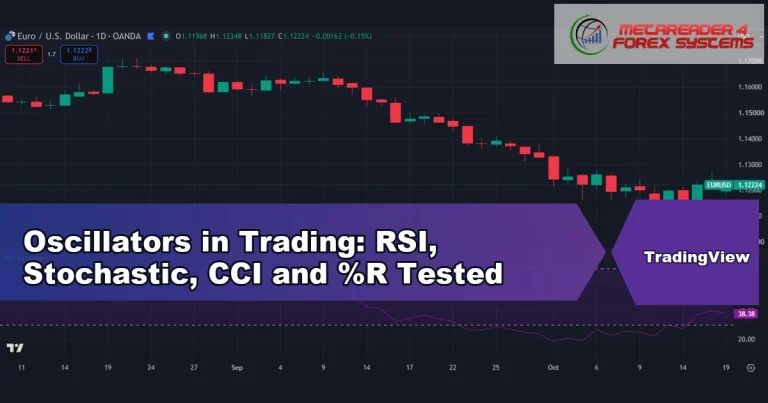
Oscillators in Trading: RSI, Stochastic, CCI and %R Tested
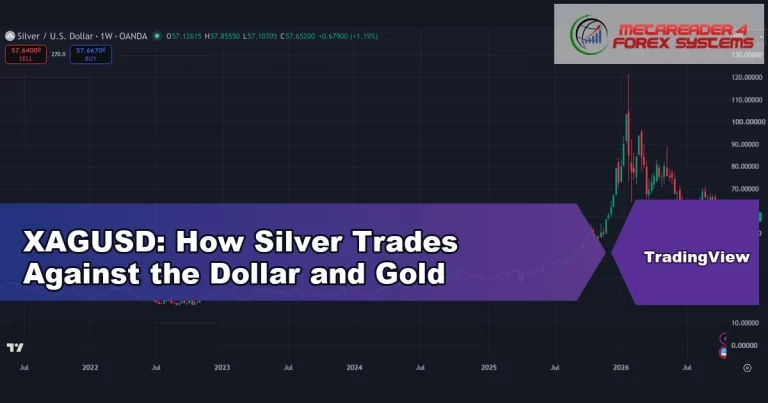
XAGUSD: How Silver Trades Against the Dollar and Gold
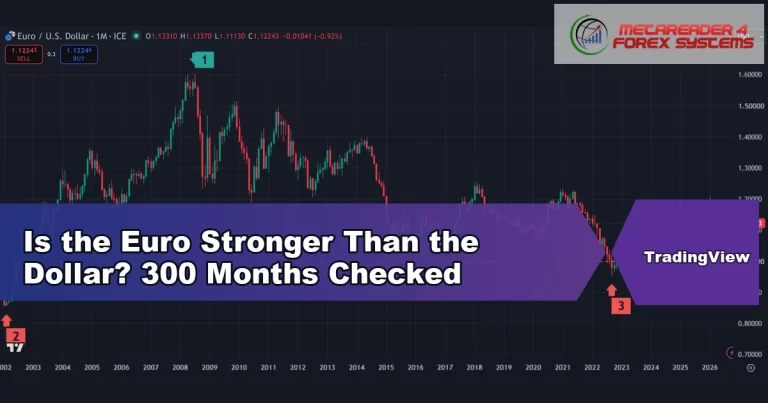
Is the Euro Stronger Than the Dollar? 300 Months Checked
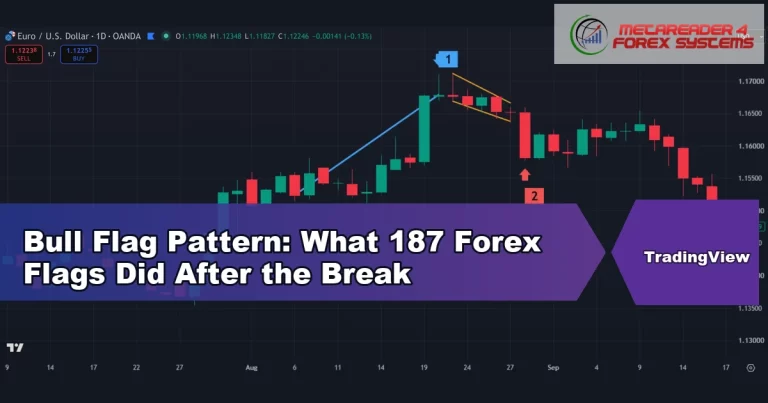
Bull Flag Pattern: What 187 Forex Flags Did After the Break
Bearish Flag Pattern: 145 Bear Flags Tested on Forex Charts
African Currencies: 38 Rates, Pegs and 5-Year Falls Compared
Bull Pennant Pattern: 132 Pennants Tested on D1 and H1 Charts
Mean Reversion Trading: What 1,636 Forex Fades Showed
Trading carries risk, and nothing here is financial advice. Past performance is not indicative of future results. See the full disclaimer.