
A forex pips calculator turns a price move into money. You give it the pair, the lot size and your account currency, and it hands back the cash value of a single pip. That number drives everything else: how big your stop really is in dollars, how much a trade can cost you, and how many lots you can afford. This guide shows the actual arithmetic behind the calculator, with worked examples for standard, mini and micro lots on EURUSD, a separate example for a JPY pair, and a table of pip values for the majors.
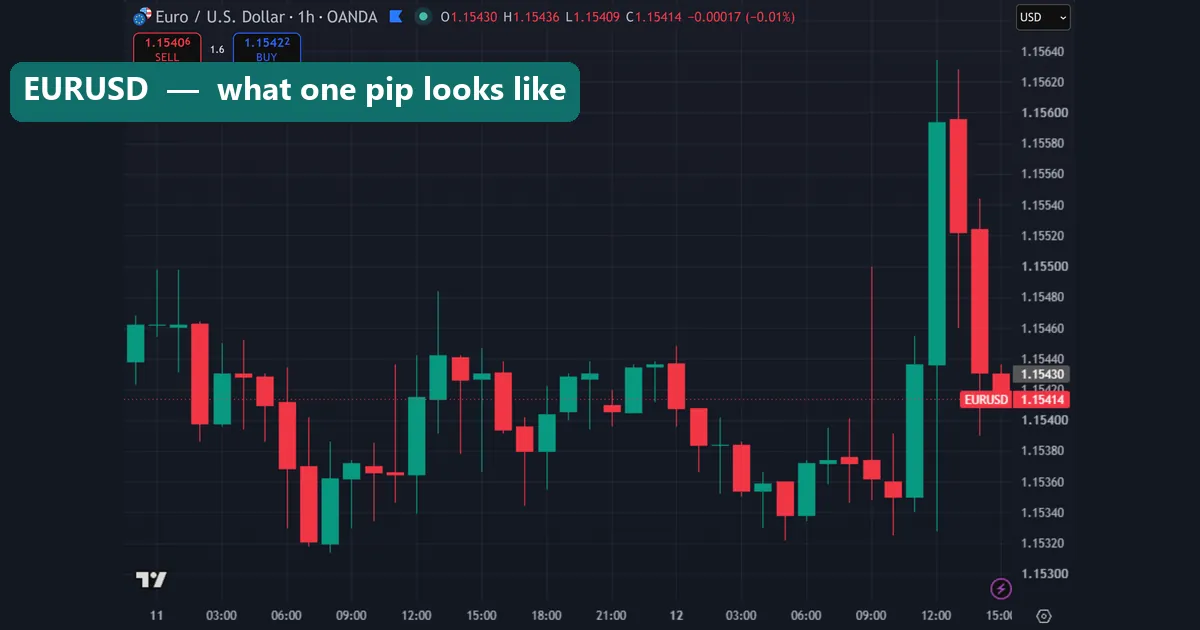
What a pip is, and what a pipette is
A pip is the standard unit of price movement in forex. On almost every pair it is the fourth decimal place, or 0.0001. So a move on EURUSD from 1.1000 to 1.1001 is one pip. Yen pairs are the exception. Because the yen trades in much larger numbers, a pip on USDJPY, EURJPY or GBPJPY is the second decimal place, or 0.01. A move from 150.00 to 150.01 is one pip.
Most brokers now quote one extra digit beyond the pip. That extra digit is a pipette, also called a fractional pip or a point. On a five-digit EURUSD feed, 1.10005 sits half a pip above 1.10000. On a three-digit yen feed, 150.005 sits half a pip above 150.00. Ten pipettes make one pip, and MetaTrader counts in pipettes rather than pips, which trips up plenty of new traders.
The pip value formula behind every forex pips calculator
There are two ways to write the same calculation, and knowing both saves confusion. The first version gives you the answer in the pair’s quote currency, the one on the right:
Pip value (quote currency) = pip size × lot size
The second version, the one most calculators use, converts straight into the pair’s base currency, the one on the left:
Pip value (base currency) = (pip size / exchange rate) × lot size
Both give the same money, just measured in a different currency. Whichever you use, one final step remains: convert the result into your account currency. When the pair already ends in your account currency, that step disappears. Lot sizes are fixed across brokers, so plug in 100,000 units for a standard lot, 10,000 for a mini lot and 1,000 for a micro lot.
Worked example: EURUSD standard, mini and micro lots
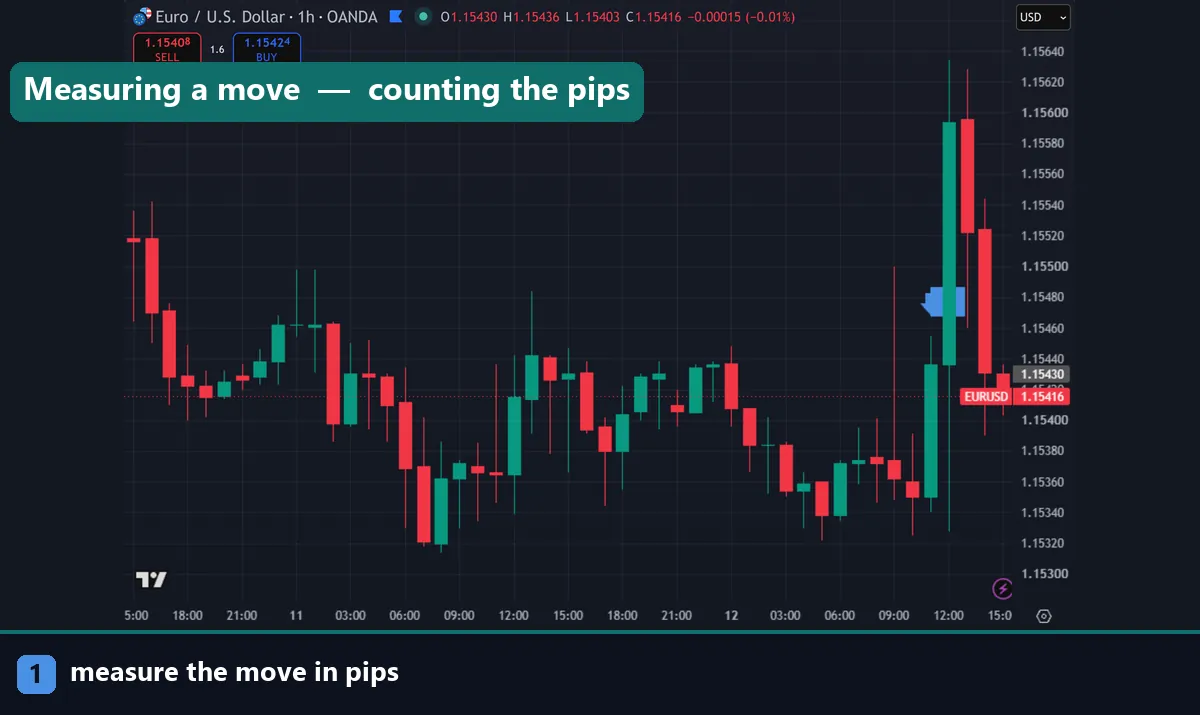
Take EURUSD trading at 1.1000 with a US dollar account. The pip size is 0.0001 and the quote currency is USD, so the quote-currency version is quickest.
Standard lot: 0.0001 × 100,000 = 10 USD per pip.
Mini lot: 0.0001 × 10,000 = 1 USD per pip.
Micro lot: 0.0001 × 1,000 = 0.10 USD per pip.
Now check it with the base-currency formula. (0.0001 / 1.1000) × 100,000 = 9.09 EUR per pip. Multiply that by the 1.1000 rate and you get 10.00 USD. Same answer, different route. Notice something useful here: on any pair quoted in dollars, the dollar pip value never moves. A standard lot of EURUSD, GBPUSD or AUDUSD is always $10 a pip, whatever the rate does.
Worked example: a JPY pair, where the maths changes
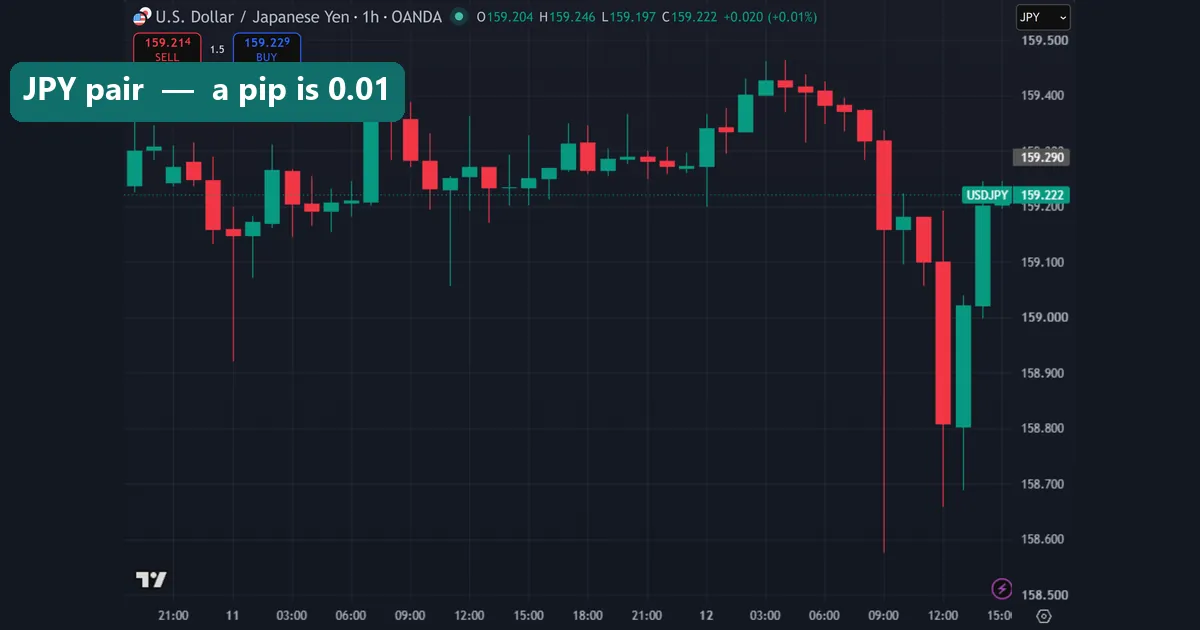
Yen pairs need a second step, because the quote currency is not your account currency. Use USDJPY at 150.00 with a dollar account and a standard lot.
First, the quote-currency value: 0.01 × 100,000 = 1,000 JPY per pip. Then convert that into dollars by dividing by the exchange rate: 1,000 / 150.00 = 6.67 USD per pip. The base-currency formula reaches the same place in one move, because USD is the base here: (0.01 / 150.00) × 100,000 = 6.67 USD.
Scale it down the same way as before. A mini lot is 100 JPY, or $0.67 a pip. A micro lot is 10 JPY, or about $0.07 a pip. One important consequence follows: yen pip values drift as the exchange rate drifts. At 160.00 the same standard lot is worth 1,000 / 160.00 = $6.25 a pip. Recalculate whenever the rate has moved meaningfully.
Pip value per lot size for the major pairs
| Pair | Example rate | Standard (1.00 lot) | Mini (0.10 lot) | Micro (0.01 lot) |
|---|---|---|---|---|
| EURUSD | 1.1000 | $10.00 | $1.00 | $0.10 |
| GBPUSD | 1.2700 | $10.00 | $1.00 | $0.10 |
| AUDUSD | 0.6600 | $10.00 | $1.00 | $0.10 |
| NZDUSD | 0.6000 | $10.00 | $1.00 | $0.10 |
| USDJPY | 150.00 | $6.67 | $0.67 | $0.07 |
| USDCHF | 0.9000 | $11.11 | $1.11 | $0.11 |
| USDCAD | 1.3600 | $7.35 | $0.74 | $0.07 |
All figures assume a US dollar account and the example rates shown. The four pairs quoted in dollars stay pinned at $10 a pip per standard lot. The three pairs where the dollar comes first move with the rate, so treat those rows as a snapshot rather than a constant. Micro-lot figures are rounded to the nearest cent.
When your account currency is not USD
Most calculators default to dollars, yet plenty of traders fund in euros, pounds or Australian dollars. The fix is one extra division. Work out the pip value in USD first, then divide by the rate between USD and your account currency.
Say you hold a euro account and trade one standard lot of EURUSD. The pip value is $10, and EURUSD sits at 1.1000, so your pip is worth 10 / 1.1000 = €9.09. A pound account with GBPUSD at 1.2700 gets 10 / 1.2700 = £7.87. An Australian dollar account with AUDUSD at 0.6600 gets 10 / 0.6600 = A$15.15.
Because those conversion rates float, your true risk per pip floats with them. Traders on non-dollar accounts should recheck pip values at the start of each week rather than assuming last month’s number still holds.
How to count pips on an MT4 or MT5 chart
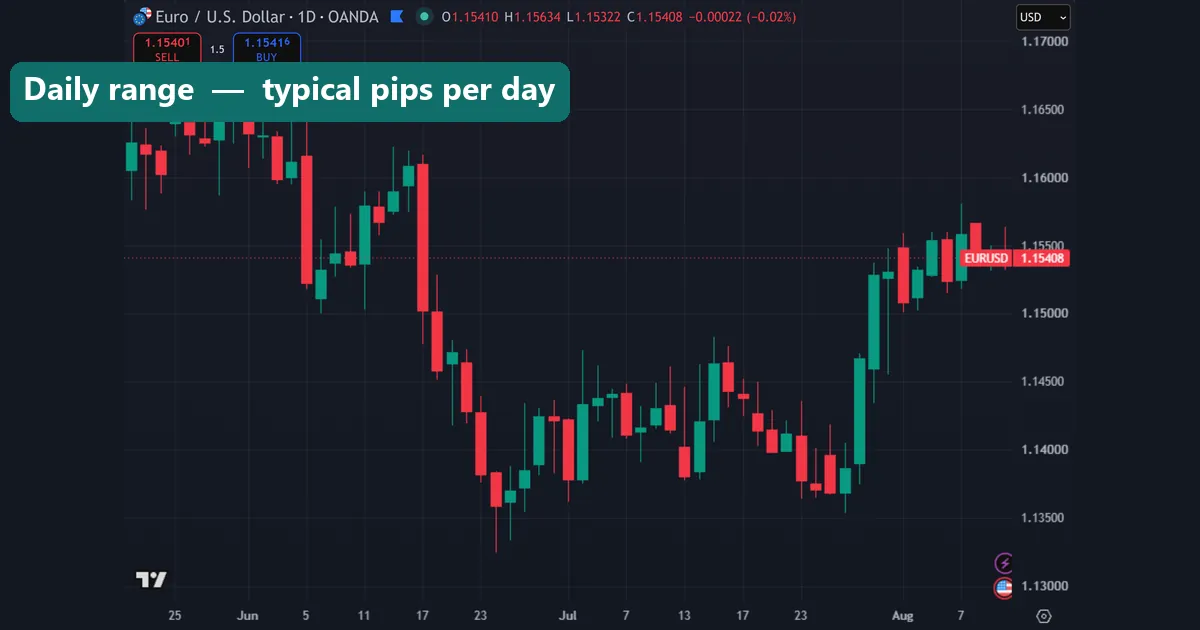
MetaTrader has a measuring tool built in, and it works the same way on both platforms. Press Ctrl+F, or click the crosshair icon on the toolbar. Then click and hold at your starting price and drag to your target. A small readout follows the cursor showing three figures separated by slashes: bars, points, and the price under the pointer.
The middle figure is the one you want, but read it carefully. MetaTrader reports points, not pips. On a five-digit broker, divide by ten. A readout of “24 / 315 / 1.10450” means 24 bars back, 315 points, which is 31.5 pips. On a three-digit yen feed the same division applies. Four-digit and two-digit feeds report pips directly, so no division is needed there. Measuring from candle bodies rather than wicks also keeps your numbers honest; our guide on how to read candlestick charts covers which part of the bar to anchor to.
Download the complete indicator database
Put these concepts on your charts. One email unlocks the full library of 1,380+ indicators with compiled MT4 and MT5 files, plus my TradingView scripts. No paywall, no spam, unsubscribe any time.
Get free access to my indicator database
One email unlocks 1,380+ free MT4, MT5 and TradingView indicators — the complete library. No single-tool download; you get the whole database.
Why pip value drives position sizing and stop placement
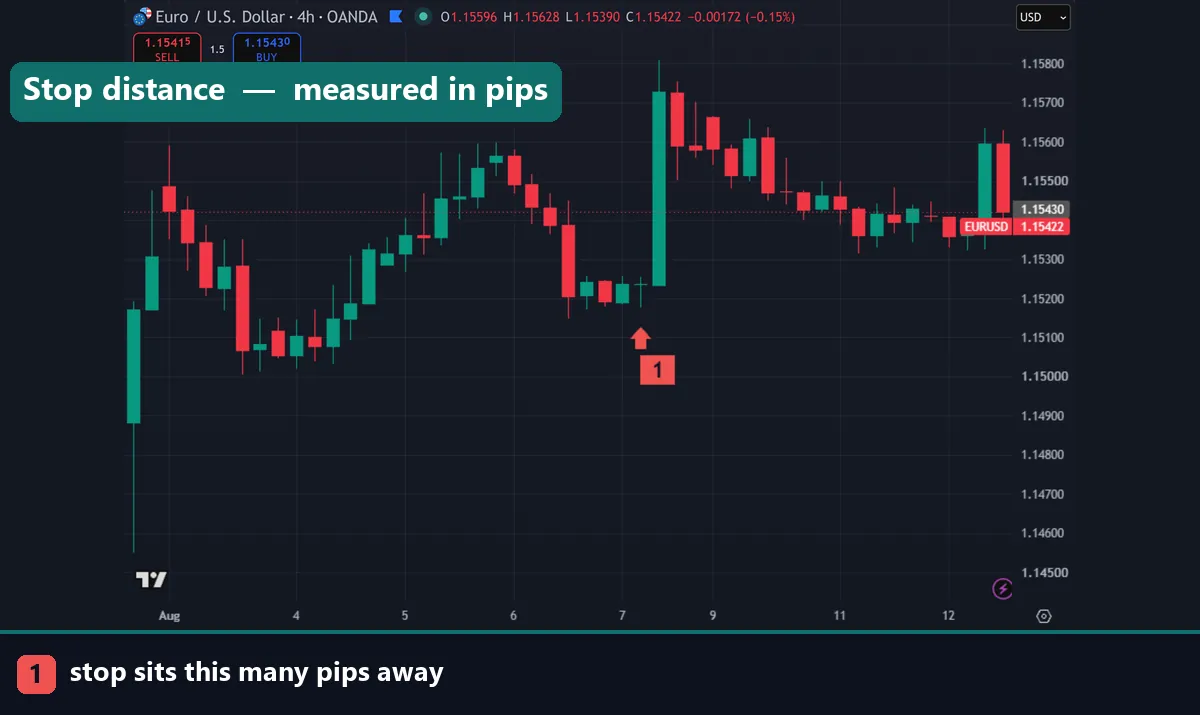
Pip value is not trivia. It is the bridge between a chart distance and a bank balance. Suppose you place a 40-pip stop on EURUSD with one standard lot. Your risk is 40 × $10 = $400. Cut to a mini lot and the identical stop risks $40. The chart has not changed at all; only the money has.
This is why the stop comes first and the lot size follows. Decide where the trade is wrong, measure that distance in pips, multiply by pip value, then shrink the lot until the result matches the amount you are willing to lose. Volatility-based stops make the link obvious, since a wider stop forces a smaller position. Our walkthrough on how to use ATR as a stop loss shows that process on live charts.
Be honest about the limits, though. Pip values assume your broker fills you at the quoted price. Spreads, commission, swap and slippage all sit outside the pip calculation, so your real cost per trade is slightly higher than the arithmetic suggests. Add the spread to your stop distance before sizing, and check swap on any position you plan to hold overnight.
Where to go next
Once the pip maths is second nature, the next step is applying it to real setups. Start with our roundup of the best day trading technical indicators, then tune your momentum tool with the best RSI indicator settings. If you are still setting up your platform, follow the guide on how to install MT4 and MT5 indicators. For background reading, Investopedia explains what a pip is at Investopedia, and Wikipedia documents the formal definition of percentage in point on Wikipedia.
FAQ
How do I calculate pips manually?
Subtract the entry price from the exit price, then divide by the pip size. Use 0.0001 for most pairs and 0.01 for yen pairs. A EURUSD move from 1.1000 to 1.1035 is 0.0035 / 0.0001 = 35 pips.
How much is one pip worth?
On a dollar-quoted pair such as EURUSD or GBPUSD, one pip is $10 per standard lot, $1 per mini lot and $0.10 per micro lot. Pairs quoted in another currency need converting, so USDJPY at 150.00 works out at roughly $6.67 per standard lot.
Why does my platform show points instead of pips?
Five-digit and three-digit brokers quote a fractional pip, or pipette. MetaTrader measures in those pipettes and calls them points. Divide the number by ten to get pips, so 315 points equals 31.5 pips.
Does pip value change during the day?
On pairs quoted in your account currency, no. Elsewhere it drifts with the exchange rate used for conversion. Yen and Swiss franc pairs shift a little each session, so recheck them if you trade large size.
How do I calculate pip value for gold or indices?
Metals and indices use their own contract specifications rather than the 0.0001 convention. Check the symbol properties window in MT4 or MT5 for tick size and contract size, then multiply exactly as you would for a currency pair.
Can a pips calculator guarantee my results?
No. It measures money at risk, nothing more, and it says nothing about whether a setup will work. Spreads, swap and slippage sit outside the calculation as well. Trading involves risk, results are not guaranteed, and past performance is not indicative of future results.

About the author
Written by Dominic Walsh, a Forex trader and MT4/MT5 indicator, Expert Advisor and script developer. Every tool on forexmt4systems.com is tested on live charts before release and ships with ready-to-use compiled MT4 (.ex4) and MT5 (.ex5) files. Learn more about the trader and developer behind this site.
How we build, test and correct every tool: Editorial & Testing Policy. Trading carries risk; see the disclaimer.