
A forex position sizing calculator answers one question: how many lots can I trade without risking more than I intended? It takes four inputs: your account balance, the percentage you accept losing, the stop distance in pips and the pip value of the pair. Out comes a lot size. The arithmetic is simple enough to do on paper, and doing it by hand once makes the logic stick. Below you get the formula, a full worked example and a lot-size table for common account sizes. The mistakes that quietly wreck otherwise sound trading come last.
The position sizing formula
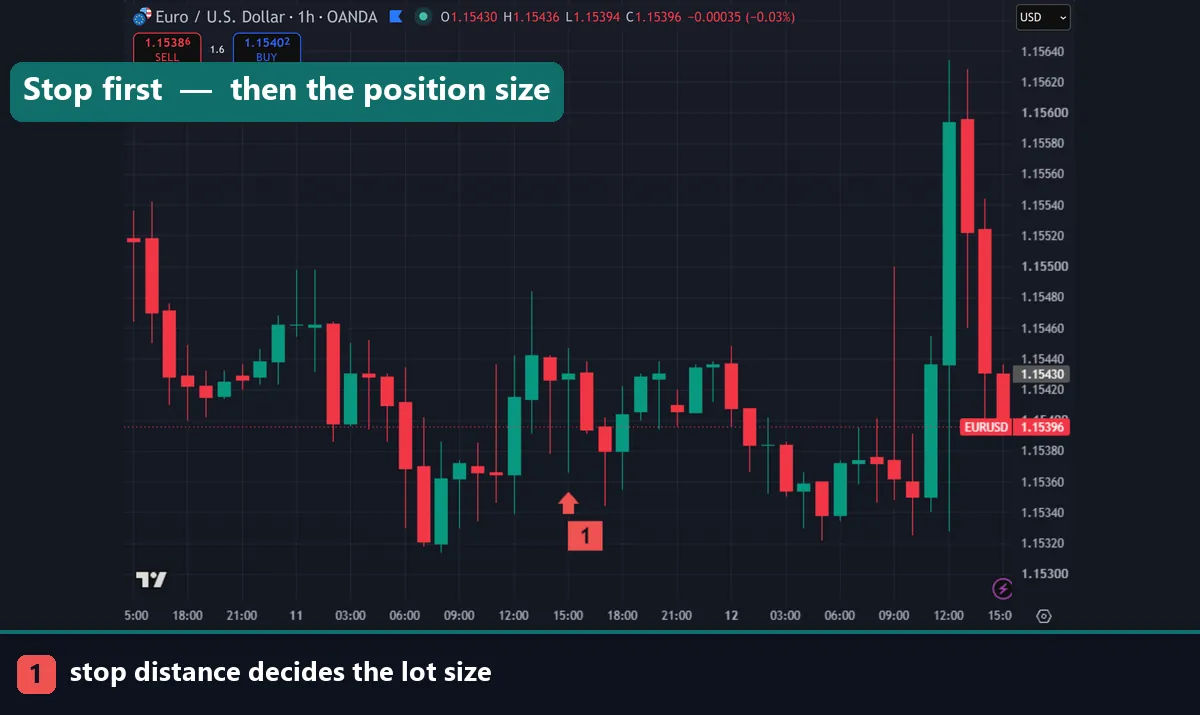
Every calculator, spreadsheet and MetaTrader script runs the same equation:
Position size (lots) = (account balance × risk %) / (stop distance in pips × pip value per lot)
Four inputs, and each one deserves a moment.
Account balance is your current equity, not the deposit you started with. Update it as the account grows or shrinks so risk stays proportional. Risk % is the slice of that equity you accept losing on this single trade, usually 1% or less. Stop distance is the gap between your entry and your stop loss, measured in pips, not in dollars and not in candles. Pip value per lot is what one pip is worth on one standard lot. That is $10 on dollar-quoted pairs such as EURUSD, and roughly $6.67 on USDJPY at 150.00.
Feed those four numbers in and the output is a lot size. Round it down to the nearest step your broker allows, never up.
A full worked example
Assume a $10,000 account, a 1% risk cap and a EURUSD long with a 30-pip stop.
First, the cash at risk: $10,000 × 0.01 = $100.
Next, the cost of that stop on one standard lot: 30 pips × $10 = $300.
Finally, divide: $100 / $300 = 0.33 lots.
That is a third of a standard lot, which most brokers accept directly as 0.33. In mini-lot terms it is 3.3 mini lots, and in micro-lot terms 33 micro lots. Should your broker only allow 0.1 steps, take 0.3 lots rather than 0.4. Your risk then falls to 30 × $10 × 0.3 = $90, comfortably inside the cap.
Change one input and watch the output move. Widen the stop to 60 pips and the size halves to 0.17 lots, because $100 / (60 × $10) = 0.166. Raise risk to 2% on the original 30-pip stop and the size doubles to 0.67 lots. The dollar risk is the constant; everything else bends around it.
Lot size by account balance and stop distance
| Account | 1% risk | 10-pip stop | 20-pip stop | 30-pip stop | 50-pip stop | 100-pip stop |
|---|---|---|---|---|---|---|
| $1,000 | $10 | 0.10 | 0.05 | 0.03 | 0.02 | 0.01 |
| $5,000 | $50 | 0.50 | 0.25 | 0.17 | 0.10 | 0.05 |
| $10,000 | $100 | 1.00 | 0.50 | 0.33 | 0.20 | 0.10 |
| $25,000 | $250 | 2.50 | 1.25 | 0.83 | 0.50 | 0.25 |
| $50,000 | $500 | 5.00 | 2.50 | 1.67 | 1.00 | 0.50 |
All rows assume a $10 pip value per standard lot, so they apply to EURUSD, GBPUSD, AUDUSD and NZDUSD with a dollar account. Values are rounded to the nearest 0.01 lot, so round down at your broker if you want to sit strictly inside the cap. For USDJPY, USDCHF or USDCAD, swap in that pair’s pip value and the numbers shift accordingly.
The stop comes first, then the size
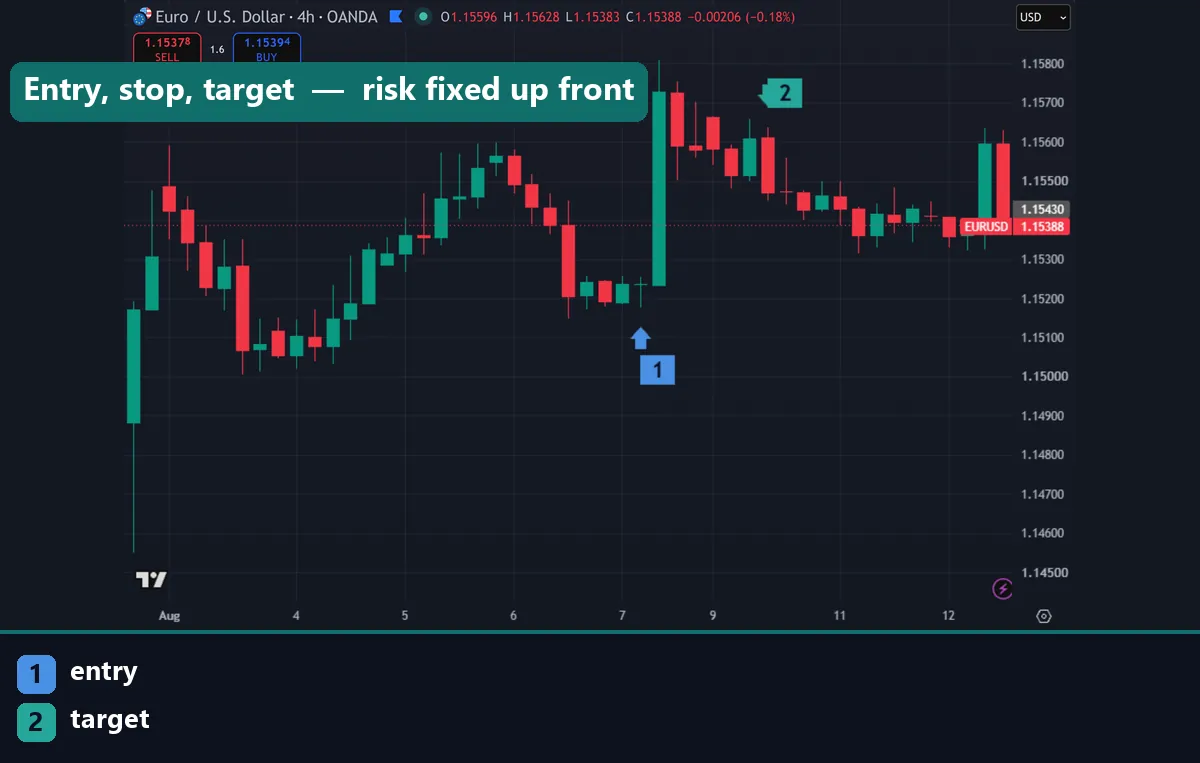
Here is the ordering that separates disciplined traders from the rest. You place the stop where the chart says the idea is wrong. Only then do you calculate how many lots that stop allows. Doing it the other way round means picking a lot size first, then squeezing the stop until the risk fits. That puts your protection at an arbitrary price the market has no reason to respect.
Structure decides stop placement. Below the swing low for a long, above the swing high for a short, or beyond the level that invalidates your read of the chart. Candle anatomy matters here too, because anchoring to a wick rather than a body changes the distance. Our guide on how to read candlestick charts covers where to place that anchor.
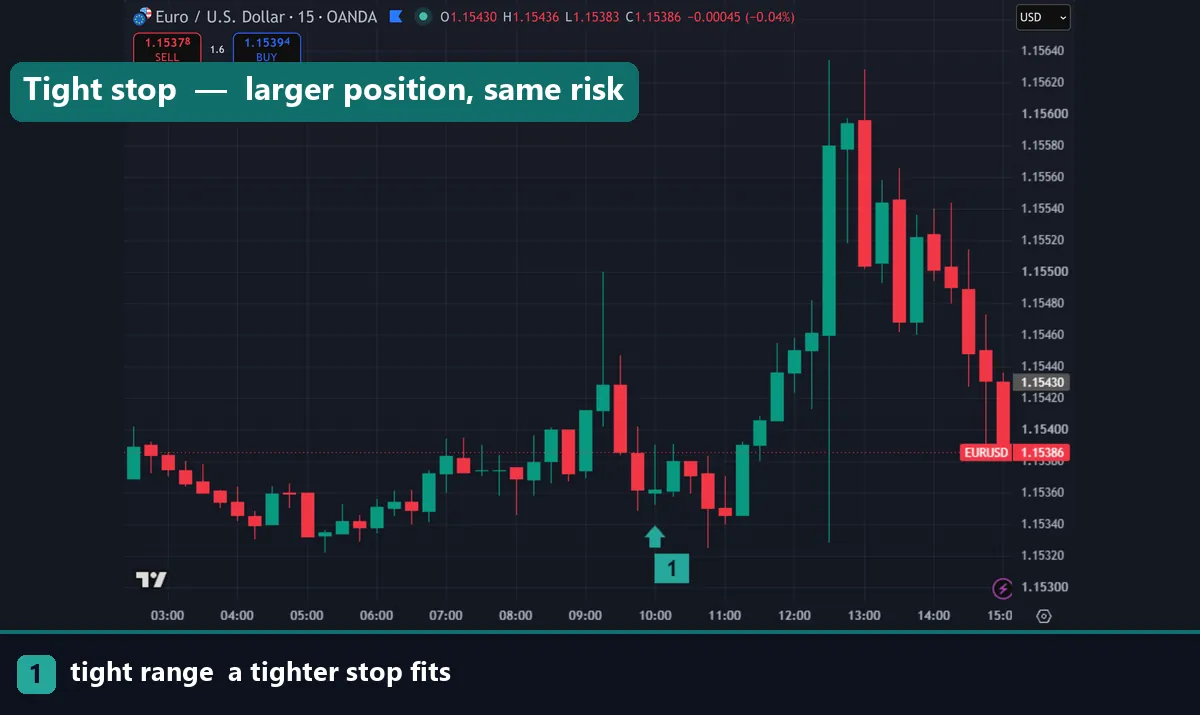
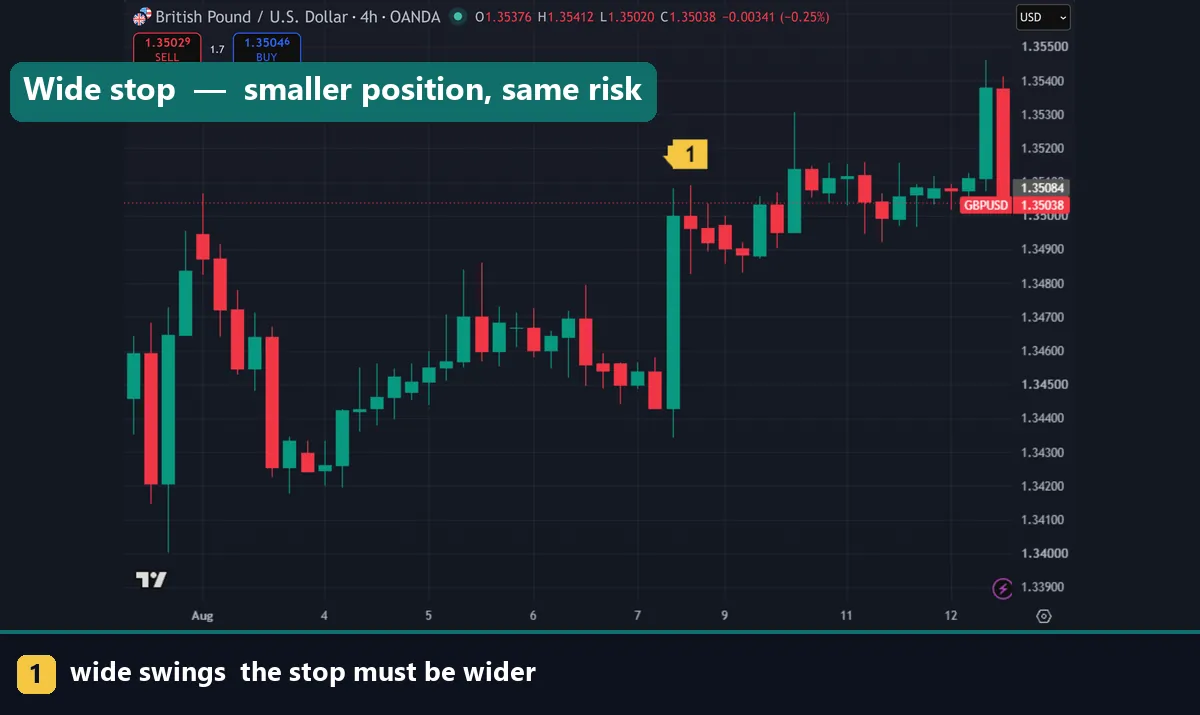
Once the stop is fixed, the calculator does the rest. Small stop, larger position. Wide stop, smaller position. Your dollar risk never changes, which is exactly the point.
Fixed-fractional risk and the 1-2% cap
Risking a fixed percentage of equity is called fixed-fractional position sizing. The appeal is arithmetic rather than folklore. When you risk 1% per trade, your position shrinks automatically during a drawdown. It grows again as equity recovers. So a rough patch cannot compound into ruin.
Run the numbers on a losing streak. Ten consecutive losses at 1% leaves roughly 90.4% of the starting balance, since 0.99 to the power of ten is 0.904. The same streak at 5% leaves about 59.9%, and recovering from that needs a 67% gain. Losses hurt more than equivalent gains help, which is why most professional risk frameworks cap single-trade risk at 1% to 2%. Traders on funded accounts often run tighter still, near 0.5%, because a hard drawdown limit ends the account outright.
Volatility stops shrink your position automatically

Volatility-based stops and this formula fit together neatly. Set your stop at a multiple of ATR and the market decides how wide it should be. By extension, the market also decides your position size.
Work through it on the $10,000 account at 1% risk. ATR on EURUSD H1 reads 20 pips, and you use a 1.5x multiple, giving a 30-pip stop. Position size lands at $100 / (30 × $10) = 0.33 lots. News hits, volatility doubles, and ATR climbs to 40 pips. The same 1.5x multiple now gives a 60-pip stop, so the calculator returns $100 / (60 × $10) = 0.17 lots. Your exposure halved without you deciding anything, and your dollar risk stayed at $100.
That automatic adjustment is the strongest argument for volatility stops. The full method, including which ATR period and multiple to use, sits in our guide on how to use ATR as a stop loss.
Placing the calculated lot size on MT4 and MT5
MetaTrader takes the number directly. Press F9 to open the order window, or right-click the chart and choose Trading, then New Order. Type your figure into the Volume field: 0.33 means 0.33 standard lots, 0.10 means one mini lot, 0.01 means one micro lot. Set the stop loss price in the same window rather than adding it afterwards, so the trade is never live without protection.
Watch two broker limits. Minimum volume is usually 0.01, and the volume step is often 0.01 but sometimes 0.1. Check both in the symbol specification window before you rely on a precise figure. New to the platform? The guide on how to install MT4 and MT5 indicators walks through the folder structure.
Download the complete indicator database
Put these concepts on your charts. One email unlocks the full library of 1,380+ indicators with compiled MT4 and MT5 files, plus my TradingView scripts. No paywall, no spam, unsubscribe any time.
Get free access to my indicator database
One email unlocks 1,380+ free MT4, MT5 and TradingView indicators — the complete library. No single-tool download; you get the whole database.
Common position sizing mistakes
Three errors show up again and again. The first is trading a fixed lot regardless of stop distance. A trader who always sends 0.5 lots risks $75 on a 15-pip stop and $400 on an 80-pip stop. Their results then swing on stop width rather than on judgement.
Second comes forgetting the spread. On a long you enter at the ask and exit at the bid, so a 30-pip stop with a 1.5-pip spread really covers 31.5 pips. Sizing on that figure gives $100 / (31.5 × $10) = 0.317, so you send 0.31 lots instead of 0.33. Small difference on one trade, meaningful across hundreds.
Third is ignoring account currency. A euro account trading EURUSD at 1.1000 has a pip value of €9.09 per standard lot, not $10. Risking 1% of €10,000 on a 30-pip stop gives €100 / (30 × €9.09) = 0.37 lots, noticeably more than the dollar answer. Mixing currencies mid-calculation quietly distorts every position you take.
Where to go next
Sizing is one piece of a trading plan, so pair it with the setups that generate the entries. Browse our roundup of the best day trading technical indicators, then dial in momentum with the best RSI indicator settings. For outside reading, Investopedia covers position sizing at Investopedia, and Wikipedia summarises the mathematics of the money management article on Wikipedia.
FAQ
How do I calculate lot size for forex?
Divide your cash risk by the cost of your stop on one standard lot. On a $10,000 account risking 1% with a 30-pip stop on EURUSD, that is $100 divided by (30 × $10), which gives 0.33 lots.
What percentage should I risk per trade?
Most risk frameworks cap a single trade at 1% to 2% of equity. Beginners and funded-account traders often use 0.5% instead, because tighter risk survives a losing streak with the account intact.
Should position size change when volatility rises?
Yes, if your stop is volatility-based. A wider ATR stop divides into the same cash risk and returns a smaller lot size automatically, which keeps your dollar exposure steady while conditions change.
Do I include the spread in my stop distance?
Include it. Add the current spread to the pip distance before dividing, since you enter at one side of the quote and exit at the other. Ignoring it leaves you slightly oversized on every trade.
What if my broker will not accept the exact lot size?
Round down to the nearest allowed step, never up. Rounding down keeps you inside your risk cap, while rounding up breaches it. Check the volume step in the symbol specification window before sizing.
Can correct position sizing guarantee I stay profitable?
No. Sizing controls how much a losing trade costs, and it does nothing to make a setup work. Gaps, slippage and weekend moves can also exceed your planned stop. Trading involves risk, results are not guaranteed, and past performance is not indicative of future results.

About the author
Written by Dominic Walsh, a Forex trader and MT4/MT5 indicator, Expert Advisor and script developer. Every tool on forexmt4systems.com is tested on live charts before release and ships with ready-to-use compiled MT4 (.ex4) and MT5 (.ex5) files. Learn more about the trader and developer behind this site.
How we build, test and correct every tool: Editorial & Testing Policy. Trading carries risk; see the disclaimer.